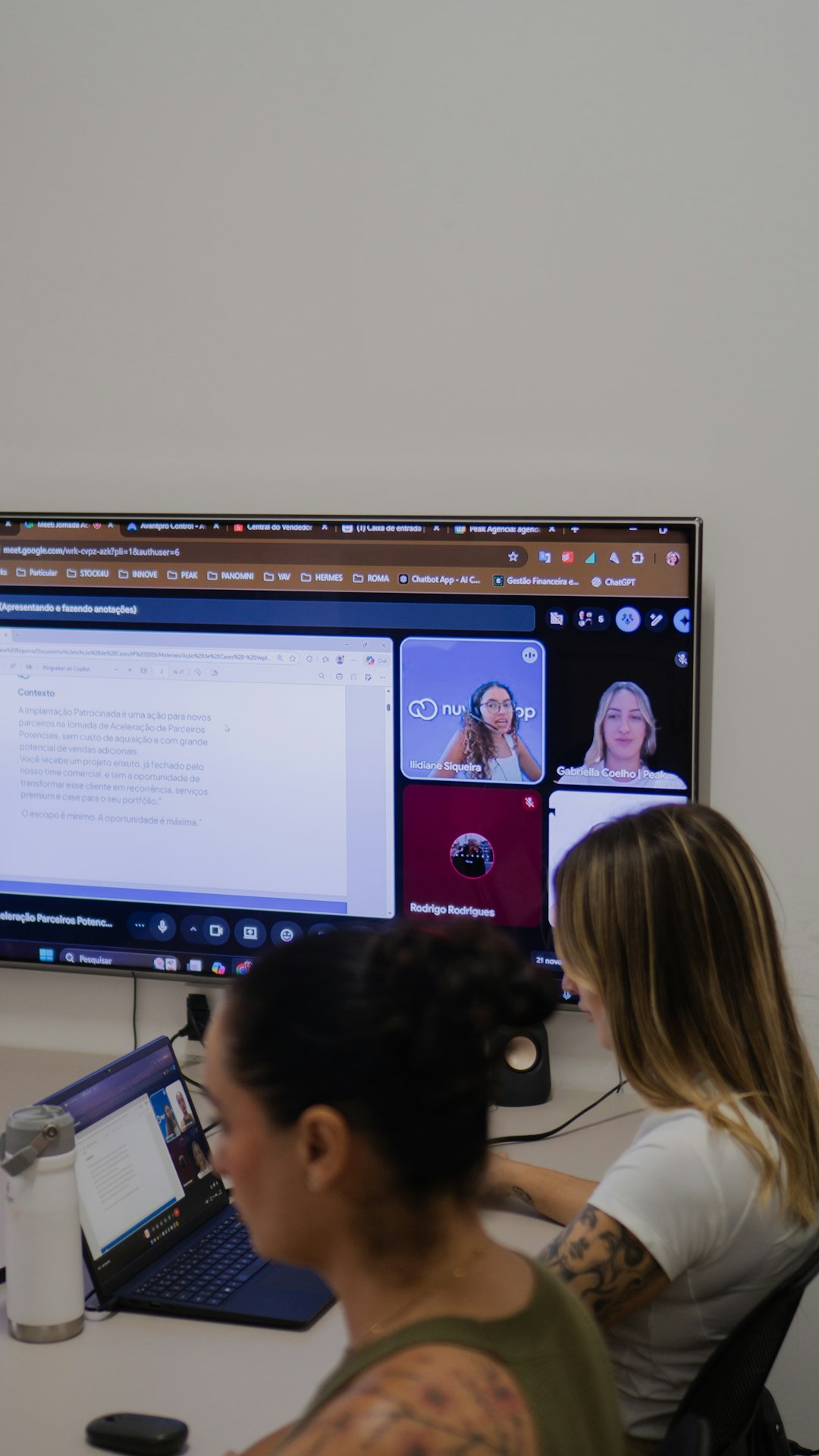

Online teaching has changed the way we learn. You no longer need four walls and a whiteboard. You just need a screen, a camera, and the right virtual classroom platform. Zoom is popular. But it is not your only option. There are other powerful tools that make teaching online smooth and fun.
TLDR: Zoom is great, but it is not the only virtual classroom tool out there. Platforms like Microsoft Teams, Google Meet, and BigBlueButton offer strong features for online teaching. They support video calls, screen sharing, chat, and collaboration tools. Each one has unique benefits depending on your teaching style and classroom needs.
Let’s explore three virtual classroom platforms like Zoom. We’ll break them down in simple terms. You’ll see what makes each one special. And by the end, you may find your new favorite teaching tool.
1. Microsoft Teams
Microsoft Teams is more than just a video meeting tool. It is a full digital classroom. Think of it as a virtual school building. Everything is in one place.
What Makes Microsoft Teams Great?
- Video meetings: Host live classes with many students.
- Chat: Students can ask questions during or after class.
- File sharing: Share PDFs, slides, and assignments easily.
- Breakout rooms: Split students into small groups.
- Class notebooks: Built-in space for notes and homework.
It works very well with other Microsoft tools. For example:
- Word for writing assignments.
- PowerPoint for presentations.
- Excel for data and math work.
- OneDrive for cloud storage.
This is perfect if your school already uses Microsoft 365. Everything connects smoothly. No jumping between apps.
Why Teachers Like It
Teachers love organization. Teams keeps everything structured. You can create different channels for different topics. For example:
- General discussion
- Homework help
- Exam review
- Group projects
It feels like separate rooms in one classroom.
You can also schedule classes in advance. Students get reminders. No more “I forgot we had class!” excuses.
Best For:
Schools and teachers who want an all-in-one platform with structured class management.
2. Google Meet
Google Meet is simple. Clean. Easy. If you love Google tools, this one feels natural.
It runs in your browser. No complex setup. Just click a link and start teaching.
Top Features of Google Meet
- High-quality video calls
- Live captions
- Screen sharing
- Integration with Google Classroom
- Works on any device
One of its best features is live captions. This helps students who have hearing difficulties. It also helps students who are learning a new language.
Accessibility matters. And Google Meet does this well.
Easy Assignment Workflow
If you use Google Classroom, everything becomes smooth. You can:
- Create an assignment in Classroom.
- Hold a live lesson in Meet.
- Collect homework in Google Drive.
- Give feedback in Docs.
No complicated steps. Just click and go.
Breakout Rooms and Polls
Google Meet now includes breakout rooms. You can divide students into small discussion groups. This keeps everyone engaged.
You can also run quick polls. Ask a question. Get instant results. It keeps energy levels high.
Best For:
Teachers who want something simple, browser-based, and tightly connected to Google tools.
3. BigBlueButton
BigBlueButton is built specifically for online learning. It may not be as famous as Zoom. But it is powerful.
It is often used by universities. Especially those using learning platforms like Moodle.
Features Designed for Education
- Interactive whiteboard
- Multi-user whiteboard drawing
- Breakout rooms
- Live chat
- Polling tools
- Session recording
The whiteboard is special. Teachers and students can draw on it together. This is great for math. Or diagrams. Or brainstorming ideas.
Focus on Student Engagement
BigBlueButton keeps students involved. It includes simple reaction icons. Students can:
- Raise a virtual hand
- Agree or disagree
- Show confusion
This helps teachers see who is following the lesson.
There is also a shared notes feature. Everyone can contribute. It feels collaborative. Almost like being in the same room.
Open-Source Advantage
BigBlueButton is open-source. This means schools can install it on their own servers. They have more control over privacy and data.
This is important for institutions that care about student security.
Best For:
Colleges and educators who want a teaching-first platform with deep learning tools.
How to Choose the Right Platform
Now you may wonder. Which one should you pick?
Here is a simple way to decide.
Ask Yourself These Questions:
- Do I need strong integration with Microsoft tools?
- Do my students already use Google accounts?
- Do I want advanced teaching tools like interactive whiteboards?
- How important is data privacy?
- Am I teaching kids, teens, or adults?
Your answers will guide you.
If You Want Structure
Go with Microsoft Teams.
If You Want Simplicity
Choose Google Meet.
If You Want Education-Focused Tools
Try BigBlueButton.
Tips for Making Any Platform Fun
The platform is just the tool. You are the real magic.
Here are some ways to keep your online classroom exciting:
1. Keep Lessons Short
Attention spans are shorter online. Break content into small pieces.
2. Use Visuals
Slides. Videos. Diagrams. Keep eyes on the screen for good reasons.
3. Ask Questions Often
Don’t talk for 40 minutes straight. Pause. Ask. Listen.
4. Use Breakout Rooms
Students love small group discussions. It feels safer to speak.
5. Record Sessions
Some students will miss class. Recordings help them catch up.
Common Challenges (And How to Handle Them)
Problem: Students don’t turn on cameras.
Solution: Make participation about voice and chat, not just video.
Problem: Internet issues.
Solution: Record sessions and share notes afterward.
Problem: Students get distracted.
Solution: Use polls, quizzes, and direct questions.
Online teaching has a learning curve. That’s normal. You will improve with time.
Final Thoughts
Zoom may be the big name everyone knows. But it is not alone.
Microsoft Teams offers structure and deep integration.
Google Meet delivers simplicity and smooth browser access.
BigBlueButton focuses entirely on education and engagement.
Each one can power an amazing virtual classroom.
The best platform is the one that fits your teaching style. Try one. Experiment. See how your students respond.
Online teaching is not the future anymore. It is the present.
And with the right virtual classroom platform, you can make learning interactive, organized, and fun. Even through a screen.

Comments are closed.