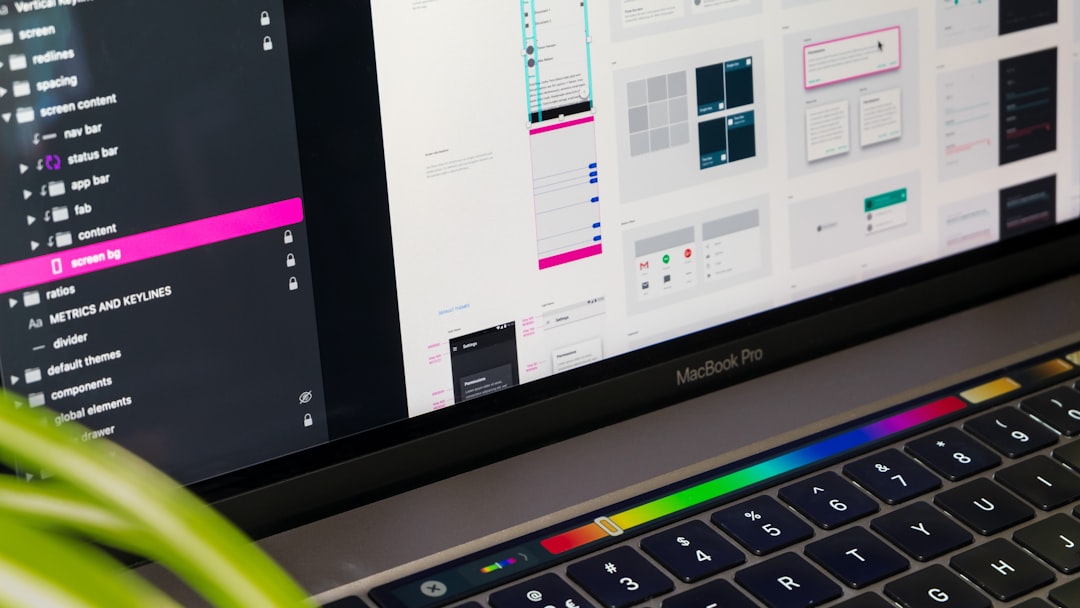

Great design makes people stop, look, and remember. But hiring a professional designer can be expensive. The good news? You do not need a big budget to build a beautiful brand. There are free graphic design platforms that help you create logos, social posts, illustrations, and marketing assets in minutes. And yes, many of them are surprisingly powerful.
TLDR: You do not need to spend money to create stunning branding and marketing visuals. Platforms like Canva, Adobe Express, VistaCreate, Figma, and Krita offer free tools for logos, social media posts, illustrations, and more. They are beginner-friendly, packed with templates, and great for small businesses or startups. Start simple, experiment, and upgrade only if you outgrow the free plans.
1. Canva
If graphic design had a friendly best friend, it would be Canva. It is simple. It is clean. And it works directly in your browser.
Canva is perfect for:
- Social media posts
- Logos
- Flyers
- Posters
- Presentations
- Business cards
You start with a template. Then you drag and drop elements. Change colors. Switch fonts. Upload your own images. Done.
Even if you have zero design experience, Canva makes you feel like a pro. The free plan includes thousands of templates and graphics. That is more than enough for most small businesses.
Branding tip: Use Canva’s Brand Kit (free version has basic features). Upload your logo. Add your brand colors. Pick two or three fonts. Stay consistent across all your materials.
Why people love it:
- Very beginner-friendly
- Huge template library
- Cloud-based. No installation needed
- Perfect for quick marketing content
Limitations:
- Advanced design control is limited
- Many premium templates are locked behind paid plans
Still, for free? It is hard to beat.
2. Adobe Express
You have heard of Adobe. Photoshop. Illustrator. Big names. Big tools. Sometimes complicated.
Adobe Express is the lighter, friendlier version. It runs in your browser. And it has a generous free plan.
This tool is great for:
- Instagram posts
- Short promotional videos
- Logos
- Web graphics
- Quick ad creatives
The interface feels modern and clean. You can resize designs for different platforms with just a few clicks. That means you can create one post and instantly adapt it for Instagram, Facebook, and LinkedIn.
Big advantage: Integration with Adobe’s ecosystem. If you ever move to advanced tools later, the transition feels natural.
Best for:
- Entrepreneurs
- Content creators
- Small marketing teams
Simple designs. Fast workflow. Professional feel.
Limitations:
- Fewer templates compared to some competitors
- Some premium assets require payment
If you want a balance between simplicity and professional power, Adobe Express is a smart choice.
3. VistaCreate
VistaCreate is another strong Canva alternative. And yes, it has a solid free version.
It shines when it comes to:
- Animated social posts
- Digital ads
- YouTube thumbnails
- Printable marketing materials
The animation feature is especially impressive. You can create moving text, animated backgrounds, and short video-style promos without editing experience.
Why it stands out:
- Strong animation tools
- Large free template library
- Easy drag-and-drop system
VistaCreate is perfect for brands that want to feel dynamic and modern. If your marketing lives on Instagram, TikTok, or YouTube, this platform helps you stay visually exciting.
Pro branding idea: Create a consistent animated intro for your social posts. Same font. Same colors. Same motion style. People will start recognizing your content instantly.
Limitations:
- Some export options require paid plans
- Advanced customization is limited
Still, for startups and solo creators, it offers massive value at zero cost.
4. Figma
Now we move into slightly more advanced territory.
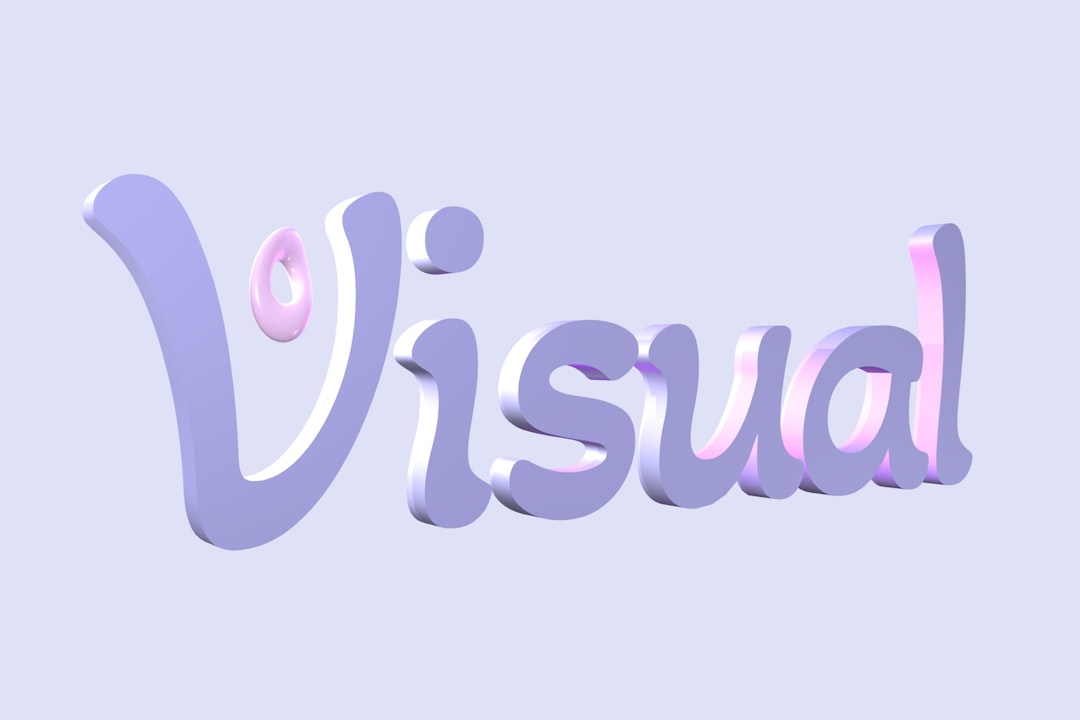
Figma is famous for UI and web design. But it is also fantastic for branding and marketing assets.
And yes, it has a free plan.
Figma works directly in your browser. It is powerful. Flexible. And collaborative.
You can use it for:
- Logo design
- Brand style guides
- Social media graphics
- Website mockups
- Icons and illustrations
The learning curve is a bit higher. But the creative freedom is much greater. You are not limited to templates. You can design from scratch.
Why designers love Figma:
- Vector-based design tools
- Precise alignment and layout control
- Real-time collaboration
- Professional-level output
If you want a clean, custom logo instead of a template-based one, Figma is an excellent choice.
Best for:
- Startups building full brand systems
- Designers who want more control
- Teams working together remotely
Limitations:
- Not as beginner-friendly
- No built-in stock library like template platforms
But if you are serious about branding, learning Figma is a powerful investment.
5. Krita
Need custom illustrations? Want to draw your own characters? Looking for artistic freedom?
Krita might be your new favorite tool.
Krita is a free, open-source digital painting software. Unlike browser-based tools, you download it to your computer. It is built for illustration.
It is amazing for:
- Digital art
- Custom illustrations
- Comics
- Hand-drawn branding elements
- Unique textures and patterns
If your brand has a playful or artistic personality, hand-drawn elements can make you stand out. Templates are everywhere. Original illustrations are not.
Why artists love Krita:
- Professional brush engines
- Advanced layer management
- Totally free
- Strong creative control
Limitations:
- No templates
- Requires drawing skills
- Not ideal for quick social media posts
Krita is not for everyone. But if visual storytelling is part of your brand, it gives you endless creative freedom.
How To Choose the Right Platform
Not sure which one to start with? Keep it simple.
If you are a beginner:
Start with Canva or VistaCreate.
If you want a professional feel but easy workflow:
Try Adobe Express.
If you want full control and plan to scale your brand:
Learn Figma.
If you love drawing and want custom art:
Download Krita.
You do not need all five. Pick one. Master it. Keep your branding consistent.
Smart Tips for Better Branding (Even With Free Tools)
Free tools work best when you use them strategically.
- Stick to 2–3 colors. Too many looks messy.
- Choose 1–2 fonts. Consistency builds trust.
- Use white space. Simple designs look more premium.
- Create templates for yourself. Save time later.
- Export high resolution files. Blurry graphics damage credibility.
Remember this: branding is not about making things complicated. It is about being recognizable.
Even with free platforms, you can build a polished brand presence that looks expensive.
Final Thoughts
You do not need a big agency. You do not need expensive software. And you do not need years of training to create strong visual branding.
What you need is:
- A clear idea of your brand personality
- Simple, consistent design choices
- The right free platform
Start small. Experiment. Improve as you go.
Design is a skill. Like any skill, it grows with practice. The tools are already available. And they cost nothing.
So open one of these platforms today. Create your logo. Design that social post. Build your brand kit.
Your brand deserves to look amazing. And now you know exactly where to start.

Comments are closed.