
Top 6 Digital Business Card Makers Freelancers Use to Share Contact Details Without Printing Costs

In today’s increasingly digital world, freelancers are constantly seeking innovative and cost-effective methods to market themselves. Traditional paper business cards are not only outdated but also come with recurring printing costs and limited sharing capabilities. Digital business cards offer a modern solution that aligns with the remote, tech-savvy nature of freelancing work. Whether it’s tapping phones together or sharing a link, e-cards enable seamless networking in person or online.
TLDR: Digital business cards have revolutionized networking for freelancers, removing the hassle of printing and allowing instant sharing. Tools like HiHello, Blinq, and Canva offer robust features for personalization and integration. These platforms are cost-effective, environmentally friendly, and easy to update in real-time. Freelancers can enhance visibility while minimizing overhead with these top 6 solutions.
Why Digital Business Cards Are Essential for Freelancers
Networking is essential for any freelancer, and being able to share contact information in a sleek, professional manner leaves a great impression. With the rise of remote work, virtual networking events, and online communities, digital cards have become a staple. They’re not only eco-friendly and cost-efficient but also incredibly dynamic.
Unlike traditional cards that require reprints with every rebrand or title change, digital options are flexible and easy to update. This modern look also shows prospective clients that a freelancer is forward-thinking and tech-savvy—qualities most clients appreciate when hiring independent professionals.
Top 6 Digital Business Card Makers Freelancers Love
Here are six of the most popular and feature-rich digital business card platforms that freelancers use to present a lasting impression.
1. HiHello
Ideal for: Freelancers looking for a customizable and professional interface
HiHello is one of the most well-known digital business card options for a reason. It offers free and paid versions with impressive features, including QR code sharing, custom branding, and analytics. The app supports multiple cards, allowing freelancers to craft unique profiles for different niches or industries.
- Custom branded profiles
- Easy NFC and QR sharing
- iOS, Android, and Web compatibility
- CRM and calendar integration (premium)
HiHello stands out for its user-friendly interface and direct integration with email signature generators and LinkedIn.
2. Blinq
Ideal for: Minimalist freelancers who want a fast and sleek tool
Blinq prides itself on simplicity and speed. You can create a digital business card in just a few minutes and begin sharing via link, Apple Wallet, or QR code. With live-update functionality, users ensure all recipients always see the most current info.
- Lightning-fast setup
- Live updates to contact info
- Apple Watch and Wallet compatibility
- Option for NFC card linking
Unlike others, Blinq offers physical NFC cards linked to your Blinq profile, providing flexibility to those attending in-person events.
3. Canva
Ideal for: Creatives who want total design control
Canva takes a visual-first approach to digital business cards. While it is primarily known as a design tool, Canva allows users to export beautifully designed business cards as clickable PDFs or shareable digital formats. Canva is a favorite among designers, photographers, and other creative professionals.
- Fully customizable templates
- Drag-and-drop interface
- Link buttons and social media icons
- Free and Pro plan available
Although not a dedicated e-card generator, Canva’s flexibility and beautiful templates make it a top choice in the gig economy.
4. CamCard
Ideal for: Freelancers focused on managing contacts and scanning paper cards
CamCard provides more than just digital business cards. It also specializes in scanning, storing, and managing physical business cards. For freelancers who still attend networking events with traditional professionals, this hybrid option bridges the gap beautifully.
- Scan paper cards into digital format
- Sync contacts automatically
- Note and activity tracking
- Available in multiple languages
CamCard is particularly useful for overseas freelancers who work across borders and need transcription in multiple languages within their contact management tools.
5. L-Card Pro
Ideal for: Technologically inclined professionals who appreciate enhanced multimedia options
L-Card Pro targets professionals who want to include multimedia elements like videos or portfolio links in their digital business cards. It also supports virtual backgrounds for video calls and unique card-sharing training modes.
- Interactive video links
- Shareable QR Codes and SMS
- In-app CRM and client notes
- Virtual backgrounds for branding
For those balancing video-based client meetings and creative presentations, L-Card Pro offers a robust combination of networking and marketing power.
6. Switchit
Ideal for: Freelancers who sell services through social media and personal branding
Switchit emphasizes rich media sharing, making it ideal for lifestyle coaches, authors, consultants, and educators. Your digital business card can feature embedded video introductions, calendar links, and files like brochures or eBooks.
- Embed video intros
- Calendar integration (Google, Outlook)
- Real-time updates and design flexibility
- SMS and email sharing
Switchit lets freelancers cultivate a well-rounded digital presence that reflects not just who they are, but *how* they work. That’s crucial in niches where trust and connection are vital.
Key Benefits of Using a Digital Business Card
Switching from paper to digital business cards provides many strategic and financial advantages:
- Cost-Saving: No recurring printing or shipping expenses.
- Eco-Friendly: Reduces environmental impact.
- Real-Time Editing: Modify details instantly without having to reprint.
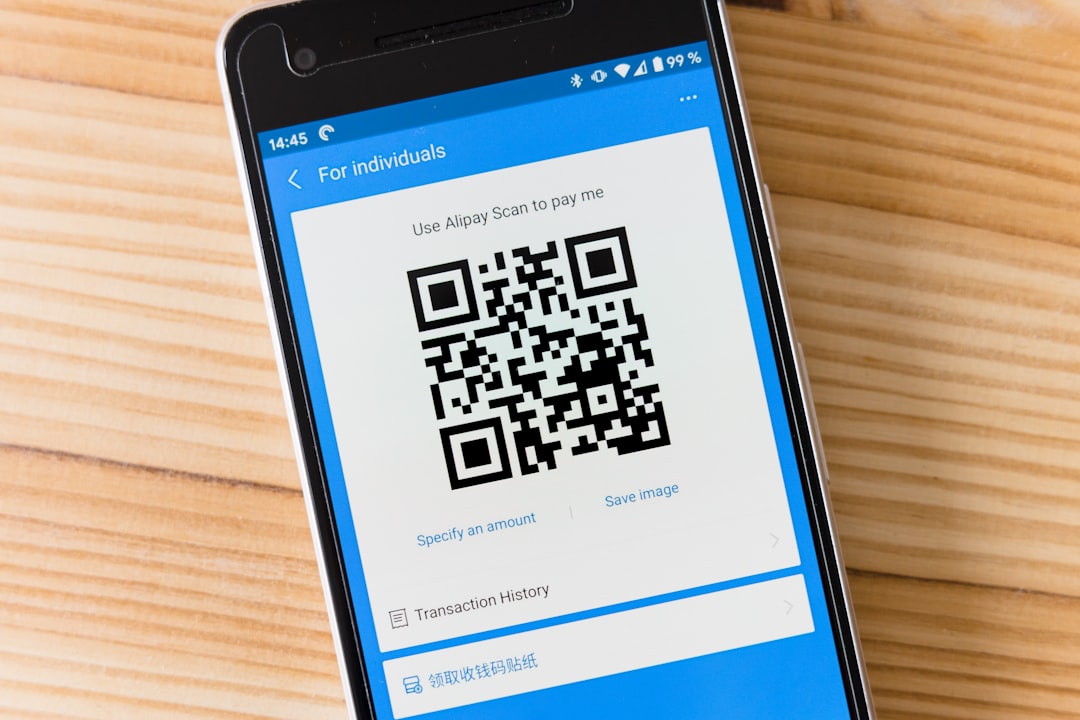
- Convenient Sharing: Share via SMS, email, QR codes, or social media.
- Interactive Features: Include videos, links, forms, or calendars directly.
For freelancers constantly on the move or working with international clients, these benefits translate into smoother communication and faster client conversions.
Conclusion
Freelancers today need tools that reflect their professionalism and adaptability. Digital business card makers offer a smart, low-cost way to expand reach, improve brand consistency, and create interactive experiences. With innovative features like embedded media, CRM integration, and virtual meeting tools, platforms like HiHello and Switchit do more than exchange numbers—they amplify presence in the freelancing world.
Frequently Asked Questions (FAQ)
- Q: Are digital business cards free?
A: Most platforms offer free versions with basic functionality. Premium versions usually include branding, analytics, and integration features. - Q: Can digital business cards be used offline?
A: Yes, many apps like Blinq and HiHello allow cards to be saved or shared via QR code or NFC even without internet access. - Q: How do I share a digital business card?
A: You can share it via link, QR code, text, app integration, or even generate a scannable code on your Apple Watch or smart device. - Q: Is it possible to customize my digital card with my branding?
A: Absolutely. Many platforms support logo uploads, brand colors, custom URLs, and more for a consistent brand experience. - Q: Which digital card is best for creatives?
A: Canva is a favorite among creatives for its highly customizable templates and range of visual design tools. - Q: Can I track who views my digital card?
A: Some platforms, like HiHello and L-Card Pro, offer analytics to know when and how your card was interacted with.

Comments are closed.