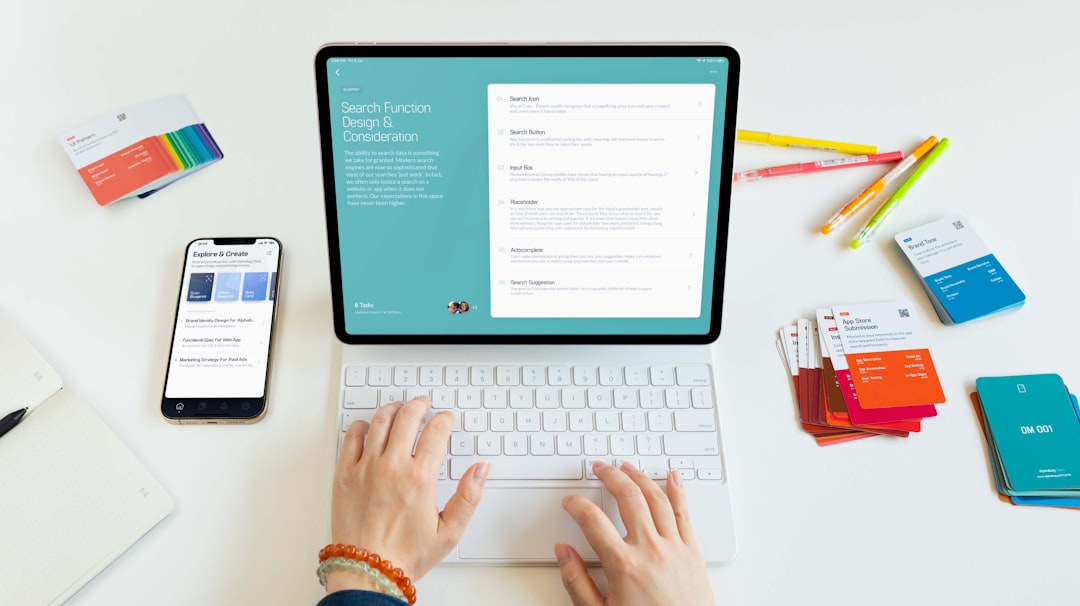

In today’s increasingly remote and hybrid work environment, teams need more than email threads and static documents to collaborate effectively. They need shared spaces that mimic the creativity of a physical whiteboard while offering the power of digital tools. That’s where digital whiteboard apps like Miro come in—providing flexible, visual collaboration platforms that help teams brainstorm, organize, and execute ideas together in real time.
TLDR: Digital whiteboard apps like Miro are powerful visual collaboration tools that let teams brainstorm, map ideas, and manage projects in shared online spaces. They support real-time editing, templates, diagrams, sticky notes, and integrations with popular workplace software. These platforms enhance creativity, transparency, and remote teamwork across industries. By turning abstract ideas into interactive visuals, they make collaboration faster and more engaging.
What Are Digital Whiteboard Apps?
Digital whiteboard apps are online platforms that simulate a traditional whiteboard—but with the added advantages of automation, multimedia support, and global accessibility. Instead of gathering around a physical board in a meeting room, team members log in from anywhere and collaborate in a shared, infinite canvas environment.
These platforms allow users to:
- Create sticky notes for brainstorming sessions
- Draw diagrams and flowcharts
- Add images, videos, and documents
- Connect ideas visually with arrows and shapes
- Comment and communicate in real time
- Organize workflows using templates and grids
Unlike static slide decks or spreadsheets, digital whiteboards are designed for dynamic thinking and visual interaction. They allow ideas to evolve organically, making them especially useful for creative and strategic projects.
Why Visual Collaboration Matters
Research shows that people process visuals significantly faster than text. When teams can see their ideas mapped out spatially, they better understand connections, dependencies, and priorities. Visual collaboration isn’t just about aesthetics—it’s about clarity.
Digital whiteboard tools support:
- Improved engagement during meetings
- Faster idea generation through visual brainstorming
- Better alignment across departments
- Stronger problem-solving through shared visual context
For remote teams, these platforms can even replicate the spontaneous creativity that often happens in physical office spaces.
Core Features of Apps Like Miro
While each platform has its own strengths, most digital whiteboard apps share several core features that make them indispensable for modern teams.
1. Infinite Canvas
Users are not limited by page boundaries. They can zoom in and out, expanding their workspace indefinitely. This allows for big-picture planning alongside detailed breakdowns.
2. Templates for Every Use Case
Ready-made templates help teams jumpstart projects quickly. Common template categories include:
- Mind maps
- Kanban boards
- Customer journey maps
- SWOT analysis frameworks
- Agile sprint planning boards
3. Real-Time Collaboration
Multiple users can edit simultaneously. Cursors are often visible, showing exactly who is working where—just like seeing colleagues around a physical table.
4. Integrations
Digital whiteboards often connect with tools like Slack, Microsoft Teams, Google Workspace, Jira, and Trello. This ensures workflows don’t exist in isolation.
5. Presentation Mode
Instead of transferring ideas into slides, teams can present directly from the board, guiding viewers through frames or structured views.
Popular Use Cases Across Industries
One of the reasons digital whiteboard apps have surged in popularity is their versatility. They are used in diverse sectors, each leveraging the platform differently.
Product Development
Product teams rely on digital whiteboards to outline feature roadmaps, map customer journeys, and conduct sprint retrospectives. Visual story mapping helps teams identify gaps and plan releases effectively.
Marketing Campaign Planning
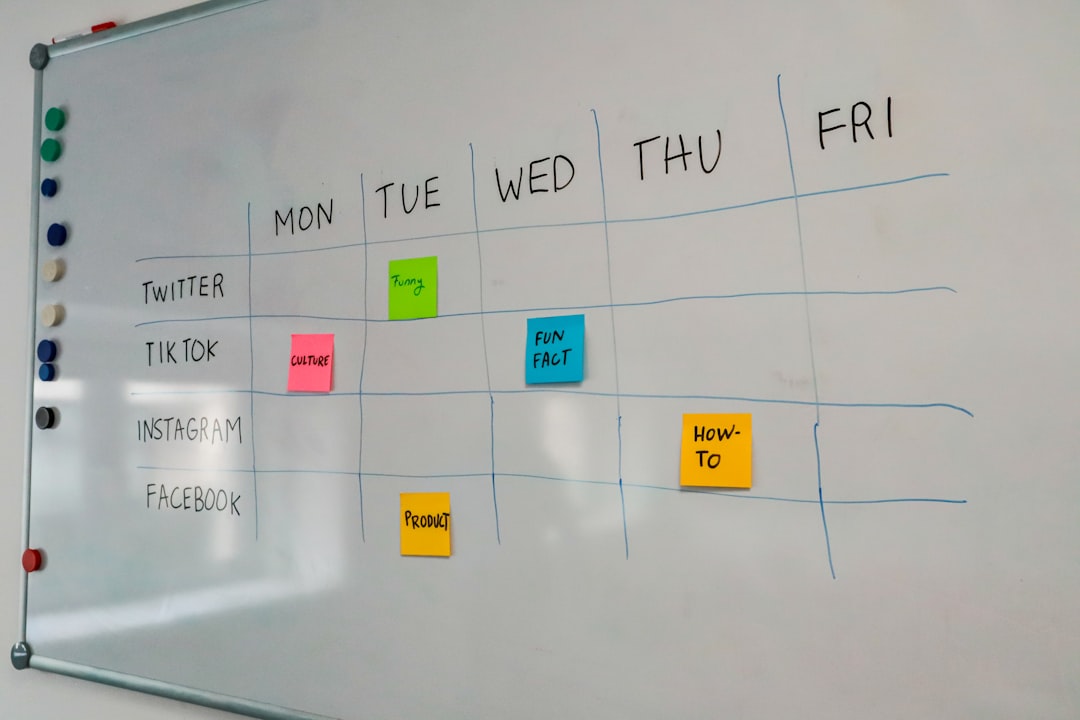
Marketing teams use them to brainstorm campaign themes, map content strategies, and coordinate timelines. Visual boards provide a snapshot of messaging, deadlines, and channels in one place.
Education and Training
Educators use digital whiteboards for interactive lessons, group projects, and virtual workshops. Students can contribute in real time, making lessons more collaborative.
UX and Design Thinking
Design teams frequently use whiteboard apps for empathy maps, wireframing, and user journey flows. Being able to rearrange elements quickly fosters experimentation and iteration.

Advantages Over Traditional Collaboration Methods
Why not just use email threads or shared documents? Digital whiteboards offer several advantages that traditional tools cannot match.
1. Centralized Information
Instead of scattered files and messages, everything lives in one visual space.
2. Enhanced Transparency
Anyone with access can see project progress instantly. There’s no need to schedule constant update meetings.
3. Greater Creativity
The flexibility of moving, resizing, and grouping elements encourages creative thinking. Teams can experiment without fear of “messing up” a physical board.
4. Accessibility Across Locations
Team members across different time zones can contribute asynchronously. Edits and comments are saved automatically.
Challenges and Considerations
While digital whiteboard apps are powerful, they do come with challenges.
- Learning Curve: New users may feel overwhelmed by expansive feature sets.
- Board Overcrowding: Infinite canvas can quickly become cluttered without structure.
- Performance Issues: Very large boards may slow down on older devices.
- Access Control: Proper permissions must be set to protect sensitive information.
To overcome these issues, teams should establish board organization guidelines, use templates strategically, and conduct onboarding sessions for new members.
Best Practices for Effective Visual Collaboration
Simply having a digital whiteboard isn’t enough; teams need structured approaches to maximize its effectiveness.
Define a Clear Objective
Before starting a session, outline what you hope to achieve—brainstorm ideas, prioritize tasks, or map a process.
Use Color Coding
Assign meaning to colors—for example, red for challenges, green for solutions, and blue for questions. Visual cues accelerate understanding.
Divide Large Projects Into Frames
Frames or sections help create logical flow and reduce clutter.
Encourage Participation
Use timers, voting tools, and comment features to ensure everyone contributes.
Archive and Reflect
After completing a project phase, duplicate or archive boards. Reviewing past boards can reveal patterns and improvements over time.
Security and Data Privacy
As businesses increasingly rely on digital tools, security becomes a priority. Many whiteboard platforms provide enterprise-grade features like single sign-on (SSO), encryption, and detailed permission settings.
When choosing a tool, consider:
- Compliance certifications (e.g., SOC 2)
- Data storage policies
- User access controls
- Backup and export capabilities
Organizations handling sensitive data should consult their IT teams before fully integrating any new collaboration tool.
The Future of Digital Whiteboarding
Digital whiteboard apps continue to evolve. Advances in artificial intelligence are beginning to enhance these platforms with:
- Automated mind map generation
- Smart clustering of sticky notes
- Meeting summaries
- Predictive task suggestions
Additionally, integration with augmented and virtual reality technologies may soon enable immersive brainstorming sessions where participants feel as though they are standing inside their visual workspace.
As remote and hybrid work models remain standard across industries, digital whiteboards are shifting from optional tools to essential infrastructure.
Conclusion
Digital whiteboard apps like Miro have fundamentally transformed how teams collaborate, brainstorm, and execute complex projects. By combining the flexibility of a traditional whiteboard with the power of cloud-based technology, these platforms enable faster idea generation, clearer communication, and stronger alignment across distributed teams.
Whether used for agile sprint planning, marketing strategy mapping, UX design workshops, or educational collaboration, digital whiteboards empower users to think visually and work together seamlessly. As technology advances and workplaces continue to evolve, visual collaboration tools will play an even greater role in shaping the future of teamwork.

Comments are closed.