
Future-Focused Strategies For Converting Website Visitors With WordPress Call-To-Action Elements On All Devices

Getting people to visit your website is exciting. But getting them to take action is where the real magic happens. Clicks, sign-ups, purchases, bookings. These are the moments that grow a business. In a fast-moving digital world, your WordPress site needs to guide visitors smoothly from “just looking” to “yes, I’m in.” That is where smart, future-focused call-to-action (CTA) strategies come in.
TLDR: Great WordPress call-to-action elements turn visitors into customers. They must be clear, mobile-friendly, fast, and personal. Use strong design, smart placement, and data to guide users on every device. Keep testing and improving to stay ahead.
Why Call-To-Action Elements Matter More Than Ever
Attention spans are short. Choices are endless. If your website does not guide users, they will leave. Simple as that.
A call-to-action is anything that tells a user what to do next. It can be:
- A button
- A form
- A pop-up
- A banner
- A link inside text
Future-focused strategies mean thinking ahead. Think about mobile users. Voice search. Wearables. Faster expectations. Accessibility. Privacy.
Your CTAs must work everywhere. Smoothly. Instantly. Clearly.
Start With One Clear Goal
Too many options create confusion. Confused users do nothing.
Before adding any CTA to your WordPress site, ask:
- What is the one main action I want?
- Is this page focused on that action?
- Is the next step obvious?
If your homepage has five different bright buttons, users freeze. Instead:
- Choose one primary CTA
- Add one or two secondary options
- Use visual contrast wisely
Clarity converts.
Design For Thumbs, Not Just Cursors
Most visitors are on mobile devices. Your CTAs must love thumbs.
Mobile-first design is not trendy anymore. It is required.
Here is how to make CTAs work on all devices:
- Use large buttons
- Keep enough space around clickable elements
- Avoid tiny text links
- Place key CTAs within easy thumb reach
Think about how someone holds their phone. The bottom half of the screen is prime real estate.
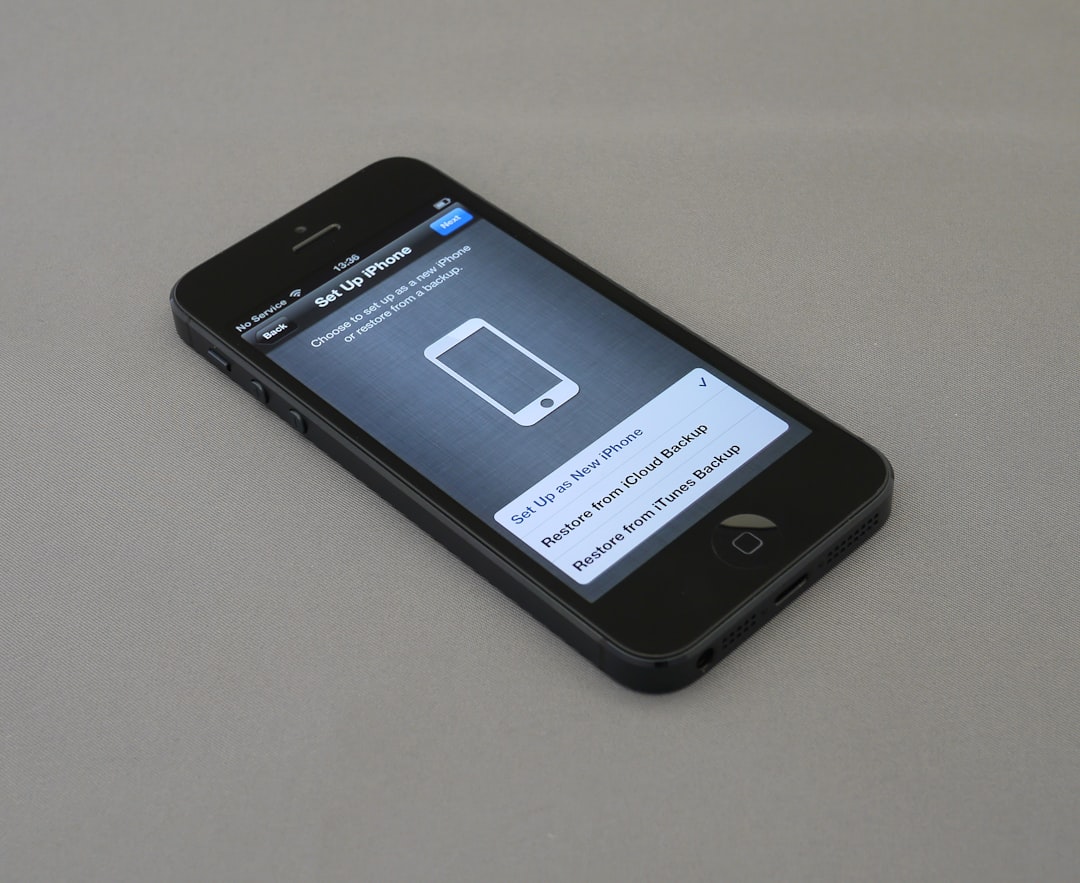
Also test on multiple screen sizes. Tablets. Small phones. Large monitors. Your WordPress theme should be fully responsive. But do not assume it works perfectly. Always check.
Speed Is a Conversion Strategy
Future-focused websites are fast. Extremely fast.
If your CTA loads slowly, it loses power.
To optimize speed:
- Compress images
- Use caching plugins
- Minify CSS and JavaScript
- Choose reliable hosting
A fast-loading button feels trustworthy. A slow one feels broken.
Visitors decide in seconds. Sometimes less.
Use Words That Spark Action
“Submit” is boring.
“Get My Free Guide” is exciting.
CTA copy should:
- Start with a strong verb
- Focus on benefits
- Create clarity
- Sound human
Compare these examples:
- Bad: Click Here
- Better: Start My Trial
- Best: Start My 14-Day Free Trial Now
The future is personal. Use first-person language when possible. It increases engagement.
Short. Direct. Powerful.
Smart Placement Makes a Big Difference
Even the best CTA fails if no one sees it.
Strategic positioning is key. Consider placing CTAs:
- Above the fold
- After key benefit sections
- At the end of blog posts
- As sticky headers or footers
- Inside exit-intent pop-ups
You can also use inline CTAs inside your content. They feel natural. Less pushy.
Use heatmaps and analytics tools to see where users click. Data is your friend. The future belongs to websites that listen to behavior.
Personalization Is the Future
Static websites are fading.
Dynamic, personalized experiences are rising.
With WordPress, you can show different CTAs based on:
- User location
- Device type
- Referral source
- Past behavior
- Logged-in status
Imagine this:
- New visitors see “Learn More.”
- Returning visitors see “Continue Where You Left Off.”
- Subscribers see “Upgrade Now.”
This feels smart. Helpful. Relevant.
Relevance boosts conversions dramatically.
Build Trust Before Asking for Action
No one clicks a CTA they do not trust.
Support your calls-to-action with:
- Testimonials
- Reviews
- Case studies
- Trust badges
- Clear privacy statements
Place these near important buttons. Especially for purchases or sign-ups.
Future web users are privacy-aware. Be transparent. Tell them what happens next.
For example:
- “No spam. Unsubscribe anytime.”
- “Secure checkout. 256-bit encryption.”
Small reassurances make big differences.
Use Visual Contrast and Smart Design
Your CTA should stand out. But not scream.
Use:
- Contrasting colors
- Clear button shapes
- Readable fonts
- Subtle animations
Animation is powerful when used lightly. A small hover effect. A gentle pulse. It draws attention without annoying users.
Keep accessibility in mind:
- High color contrast
- Keyboard navigation support
- Screen reader-friendly labels
The future of conversion includes everyone.
Think Beyond Buttons
CTAs are not just buttons anymore.
Creative formats include:
- Interactive quizzes
- Chat prompts
- Slide-in offers
- Scroll-triggered banners
- Voice-activated prompts
Interactive CTAs feel engaging. Fun. Modern.
For example, instead of saying “Contact Us,” try:
- “Answer 3 Questions to Get Your Plan”
Interaction increases emotional investment.
Leverage Automation and AI
The future is intelligent.
Automation tools can:
- Trigger CTAs based on behavior
- Send follow-up emails
- Recommend products automatically
- Adjust offers in real time
Imagine a visitor reading three blog posts about design. Your site then shows a CTA for a design course. That feels natural.
AI-powered tools can even test variations automatically. They learn what works best.
Less guessing. More results.
Test Everything. Always.
No strategy is perfect from day one.
Future-focused means constant improvement.
Run A/B tests on:
- Button color
- CTA text
- Placement
- Images nearby
- Form length
Sometimes a tiny change increases conversions by 20%. Or more.
Track:
- Click-through rates
- Bounce rates
- Conversion rates
- Scroll depth
Let numbers guide you. Not opinions.
Reduce Friction at Every Step
Every extra step lowers conversions.
Make it easy.
- Use short forms
- Offer social login options
- Enable autofill
- Minimize required fields
If you need more information, collect it later.
The first yes should feel effortless.
Seamless Cross-Device Experience
Your visitor may start on a phone. Continue on a laptop. Finish on a tablet.
Your CTAs should feel consistent across all devices.
Ensure:
- Design consistency
- Synchronized user accounts
- Saved carts
- Persistent sessions when possible
A smooth journey builds confidence.
Prepare for What’s Next
Technology keeps evolving.
Be ready for:
- Voice search integration
- Wearable device browsing
- Augmented reality previews
- Stronger privacy regulations
Keep your WordPress installation updated. Use modern themes. Avoid outdated plugins.
Future-focused brands adapt quickly.
Make It Fun and Human
At the end of the day, people convert because of emotion.
Add personality to your CTAs.
- Use friendly language
- Add small bits of humor
- Celebrate milestones
Example:
- “Yes! I Want to Grow My Business”
That feels exciting. Alive.
Websites that feel human win.
Final Thoughts
Conversions are not accidents. They are designed experiences.
With WordPress, you have powerful tools at your fingertips. But tools alone are not enough.
Focus on:
- Clarity
- Speed
- Mobile optimization
- Personalization
- Trust
- Continuous testing
The future of call-to-action strategy is smart, adaptive, and user-centered.
Guide visitors gently. Remove obstacles. Speak clearly. Design beautifully.
When every device feels effortless and every action feels natural, conversions follow.
And that is when your website stops being just a website.
It becomes a growth engine.

Comments are closed, but trackbacks and pingbacks are open.