

Modern smartphones hold essential and sensitive data, from treasured photos to critical business documents. So, when something goes wrong — accidental deletion, system crash, or failed iOS update — a reliable data recovery or management tool becomes vital. Wondershare Dr.Fone is one such software that claims to rescue data, repair software issues, and manage phone content easily. But can users trust it with their data and devices?
TL;DR (Too Long; Didn’t Read)
Yes, Wondershare Dr.Fone is both safe and legit. It is widely used for data recovery, phone transfers, system repair, and backup solutions for iOS and Android devices. While some features may not work in every scenario, especially with newer phones or encrypted data, the platform is generally reliable and trusted by millions of users worldwide. Just make sure to download it from the official site to avoid malicious copies.
What Is Wondershare Dr.Fone?
Wondershare Dr.Fone is a comprehensive mobile device management tool created by Wondershare, a well-established software company. The platform offers a suite of functionalities across both Android and iOS devices, such as:
- Data recovery – Retrieve deleted photos, videos, messages, and contacts.
- Phone transfer – Move data between Android and iOS devices efficiently.
- System repair – Fix iOS/Android system issues without data loss.
- Phone backup – Back up and restore data selectively.
- Screen unlock – Bypass various types of screen locks.
- WhatsApp transfer – Move chats and media across devices.
Each of these modules can be purchased individually or as part of a complete toolkit depending on user needs.
Is Wondershare Dr.Fone Safe to Use?
Evaluating the safety of Dr.Fone involves more than just whether your antivirus flags it. Users need to consider several key indicators of software safety:
1. Proper Certification and Clean Installation
Dr.Fone is digitally signed and regularly virus-checked. Major antivirus vendors certify it as malware-free. If downloaded from the official Wondershare website, you won’t face the risks associated with pirated versions or copycat tools.
2. No Hidden Malware or Ads
The software itself is not known to install adware, malware, or third-party applications. It doesn’t make unauthorized changes to your system, run in the background without permission, or serve intrusive pop-ups.
3. Secure Permissions and Data Handling
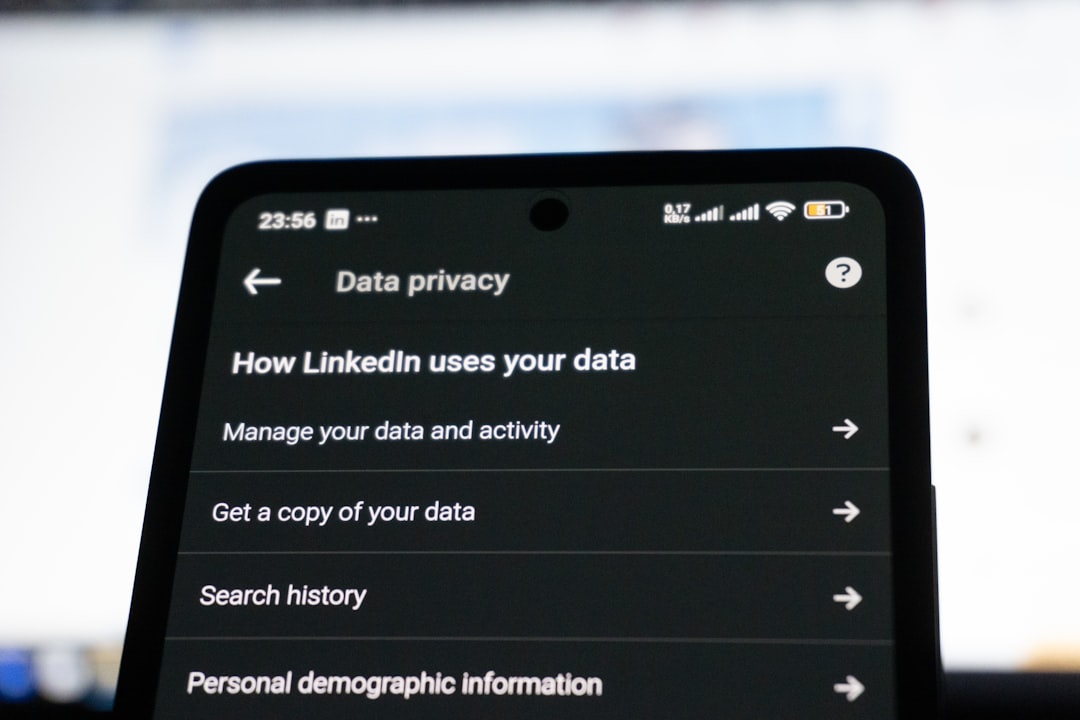
When installed on smartphones, Dr.Fone requests access to specific areas necessary for recovery or repair functions. However, it does not misuse permissions for data mining or tracking. Wondershare adheres to GDPR and other international privacy standards to ensure secure data handling.
Is Dr.Fone a Legit Application?
While being safe means it won’t harm your device, being legit means it actually does what it promises. Here’s a breakdown of its credibility:
1. Backed by a Reputable Company
Wondershare, the parent company, has been around since 2003 and is a well-known name in both consumer and business software. Their product line includes Filmora, PDFelement, and Recoverit — all well-reviewed and widely used. This adds substantial legitimacy to Dr.Fone’s credibility.
2. Transparent Business Model
Dr.Fone offers a free trial for users to test the software before purchasing. The paid version comes with customer support, frequent updates, and official documentation. A clear refund policy also speaks in the app’s favor.
3. Real-world User Reviews
Across platforms like Trustpilot, Reddit, and tech forums, most users report positive outcomes. Of course, no software is perfect — there are sporadic complaints about data recovery not working as expected. This happens especially with overwritten files, newer phone models, or if the user hasn’t given required permissions.
What Are the Strengths of Dr.Fone?
Here are some areas where Dr.Fone really shines:
- User-Friendly Interface: It’s easy enough for non-tech-savvy users to navigate.
- All-in-One Solution: Offers a variety of tools in one platform with modular licensing.
- Cross-Platform Support: Works on Windows, macOS, Android, and iOS, covering a broad user base.
- Reliable for Common Issues: Frequently fixes boot loops, crash bugs, and frozen screens without data loss.
What Are Its Limitations?
No software is without downsides. Here are a few considerations for potential users:
- Recovery Isn’t Always Guaranteed: If data has been overwritten or a device is heavily damaged, recovery might fail.
- Some Features Require Root/Jailbreak: Advanced recovery features often require additional steps, especially on Android.
- Subscription Model: Though available as a lifetime license, many features are subscription-based, which some users find pricey.
- False Expectations: The software cannot break encrypted backups or bypass two-factor authentication.
Is Wondershare Dr.Fone Free?
Dr.Fone offers a free trial version that allows users to scan for recoverable data, preview what can be recovered, and try limited functions. However, to actually retrieve files or complete advanced tasks, users will need to purchase a license. Depending on the module, pricing ranges from about $20 to $100 or more annually.
Customer Support & Refund Policy
Dr.Fone provides email-based customer support and an extensive knowledge base. While support response isn’t always instant, users generally report satisfactory assistance. If a function doesn’t perform as advertised, Wondershare offers a 30-day money-back guarantee, assuming the issue can’t be resolved through support channels.
Final Verdict
Wondershare Dr.Fone is both safe and legitimate for most everyday users. While it’s not a magical fix for every data loss situation, it offers a robust toolkit for recovering, transferring, and managing mobile device data. As with any software that deals with sensitive data, the key takeaway is this: always download it from the official site and follow written instructions carefully.
Frequently Asked Questions (FAQs)
- Is Dr.Fone completely free to use?
- No, but there is a free trial available. To access full features like data recovery or phone transfer, a paid license is required.
- Does Dr.Fone work on both Android and iOS?
- Yes, Dr.Fone supports both Android and iOS across various tools, though some limitations exist based on phone model and operating system version.
- Can Dr.Fone recover permanently deleted data?
- Sometimes. If the data hasn’t been overwritten, recovery is possible. However, results aren’t guaranteed with every scenario.
- Is it safe to enter my device passcode or Apple ID into Dr.Fone?
- Yes, when using the official software, your credentials are processed securely and not saved or misused.
- Can Dr.Fone fix a phone stuck in recovery mode or boot loop?
- Yes, this is one of its well-reviewed features, especially for iOS devices.
- What if Dr.Fone doesn’t work for me — can I get my money back?
- Wondershare offers a 30-day money-back guarantee if the product fails and their support team can’t resolve the issue.

Comments are closed.