

In the modern era of remote work, digital nomadism, and extended computer usage, personal comfort and health at a workstation are more important than ever. One often-overlooked piece of equipment that can make a massive difference in comfort and long-term well-being is the humble laptop stand. Though it might seem simple, using a laptop stand offers profound ergonomic benefits, changing how people sit, look, and interact with their screens.
TL;DR
Laptop stands significantly improve ergonomics by raising the screen to eye level, encouraging better posture and reducing strain on the neck and back. They help create a more organized and efficient workspace, often improving productivity. With increased airflow, laptop stands also contribute to device longevity. Anyone working extended hours on a laptop should consider incorporating a stand into their setup.
The Ergonomic Challenge of Laptop Use
Laptops are designed for portability, not for prolonged use. When a person uses a laptop on a desk or lap, they often look down at the screen, forcing the neck and upper back to bend forward. This unnatural posture, if repeated day after day, leads to a condition known as “tech neck” — chronic pain and stiffness in the cervical spine and shoulders.
Additionally, hunching over a compact keyboard and trackpad often leads to wrist discomfort, carpal tunnel syndrome, and overall fatigue. Over time, these minor inconveniences snowball into serious health concerns.
This is where laptop stands come to the rescue — not just as a convenience but as a pivotal tool for personal wellness.
Top Ergonomic Benefits of Laptop Stands
1. Promotes Proper Eye-Level Screen Alignment
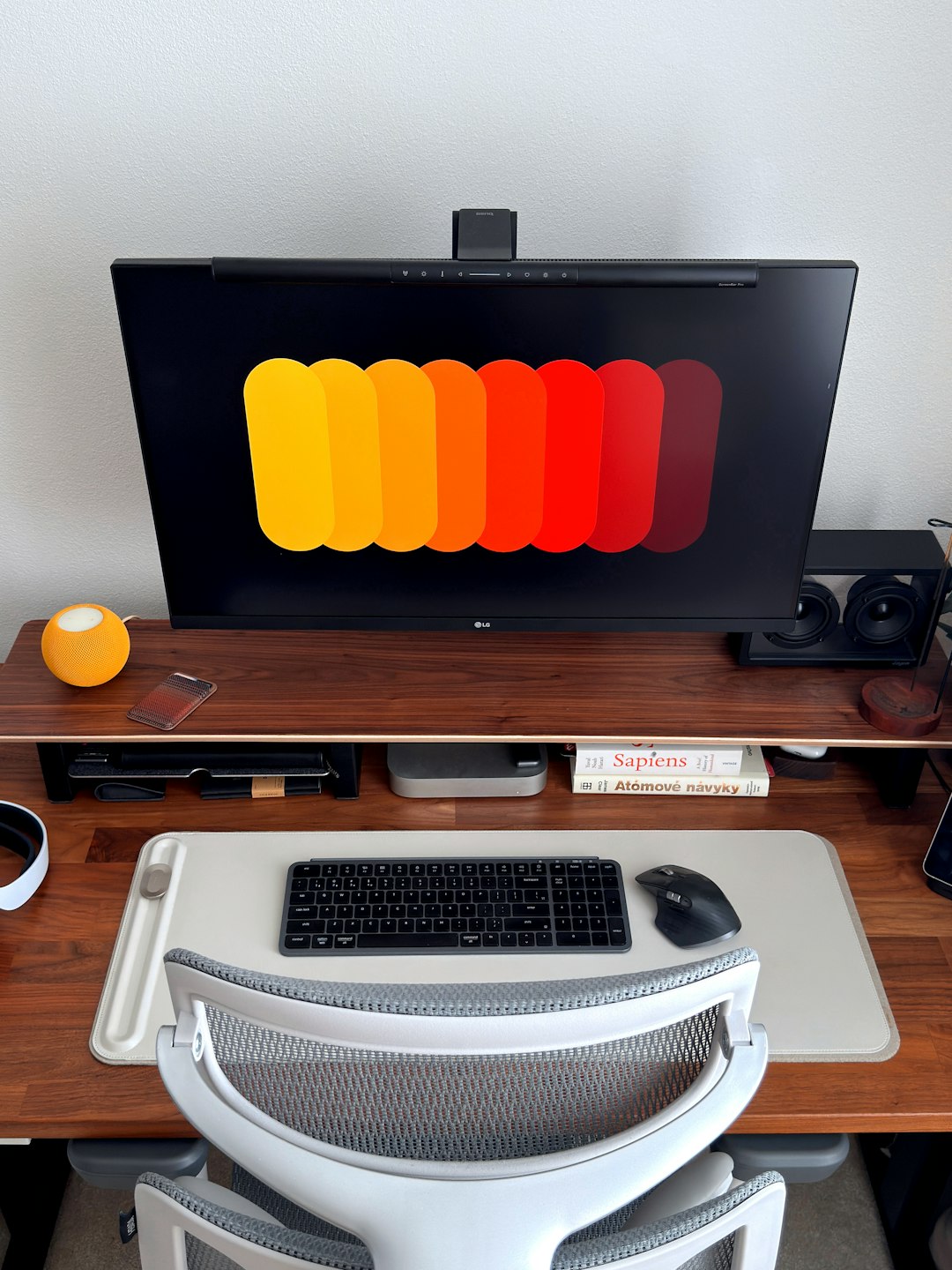
A major ergonomic rule is maintaining the top of the screen at or just below eye level. This minimizes neck bending and promotes a healthy spine posture. Laptop stands elevate the screen to this ideal height, enabling users to keep their head upright and aligned with the spine.
Without proper alignment, users may suffer from eye fatigue, migraines, and shoulder tension. A laptop stand positions the screen perfectly, creating a vertical viewing angle and preventing slouching.

2. Reduces Strain on Neck, Back, and Shoulders
When laptop screens are too low, users are forced to crane their necks downward. Over time, this leads to chronic tension in the neck muscles and spinal discs. A well-adjusted laptop stand corrects the angle and prevents damaging postures.
Furthermore, better neck alignment also improves shoulder relaxation, reducing tension from hours of repetitive strain. For people who type or write extensively, this can prevent long-term musculoskeletal disorders.
3. Encourages Better Typing Position (When Used with External Keyboard and Mouse)
Using a laptop’s built-in keyboard while it’s on a stand leads to awkward wrist angles and may negate the ergonomic benefits. However, most users combine laptop stands with an external keyboard and mouse, allowing for the ideal hand position — elbows at a 90-degree angle and wrists flat.
This setup significantly reduces the likelihood of wrist injuries and promotes more relaxed hand movement throughout long working sessions.
4. Increased Airflow and Cooling Efficiency
Laptop ventilation is often compromised when set directly on a desk or cushioned surface. Stands typically elevate laptops and offer better air circulation, letting cooler air pass underneath the device and preventing overheating.
Improved cooling not only helps prevent hardware damage but also maintains device performance, particularly during long periods of heavy processing.
5. Improves Desk Organization and Productivity
Laptop stands free up space underneath the laptop, allowing for better cable management and accessory storage. With a decluttered desk, users report improved focus and efficiency.
Many modern stands are adjustable and collapsible, supporting mobile professionals and digital nomads who want to maintain healthy posture while on the go.
Different Types of Laptop Stands and Their Ergonomic Purposes
Choosing the right laptop stand is essential for reaping ergonomic benefits. Here are common types:
- Adjustable Laptop Stands: These offer flexibility in height and angle, ideal for fine-tuning the screen position.
- Fixed-height Stands: Often sturdier, though limited in adjustment. Good for consistent environments like home offices.
- Portable Stands: Lightweight and foldable, these suit travelers and hot desking employees.
- Standing Desk Converters: These elevate the entire setup, enabling users to alternate between sitting and standing throughout the day.
The Long-Term Impact of Poor Ergonomics vs. Proper Setup
Neglecting ergonomics has serious long-term implications. Repetitive strain injuries, deteriorating spinal health, and reduced mobility are all consequences of poor posture. Over time, users may experience:
- Chronic neck and back pain
- Decreased productivity due to discomfort
- More frequent breaks and inability to focus
- Linked issues like headaches, poor digestion due to slouching, and even mood fluctuations
Investing in a simple laptop stand alongside a comfortable chair, external accessories, and a good lighting setup lays the foundation for long-term health and optimal performance.
Other Tips for Ergonomic Laptop Use
For users looking to go beyond just a laptop stand, here are key additions to an ergonomic workspace:
- External Mechanical Keyboard: Keeps wrists aligned and shoulders relaxed.
- Vertical Mouse: Promotes neutral wrist posture and reduces arm strain.
- Supportive Chair with Lumbar Support: Maintains the natural curve of the spine.
- Screen Filter or Glare Reducer: Helps reduce eye strain and fatigue.
- Regular Breaks & Stretching: Encouraged to prevent stiffness and poor circulation.
Conclusion
Laptop stands are more than accessories — they are vital tools for creating physically comfortable and health-conscious computing environments. By raising the screen, improving posture, and enhancing airflow, they provide a multi-faceted ergonomic solution. Whether working from home, traveling, or spending long days at the office, a well-chosen laptop stand can dramatically improve the way a person feels during and after work.
In a world where hours in front of our screens are only increasing, making ergonomics a priority is not just a good idea — it’s essential. Start with a laptop stand, and you might be surprised how such a small change can transform workdays for the better.
Frequently Asked Questions (FAQ)
-
Q: Are laptop stands really necessary for short-term use?
A: Even during short sessions, a laptop stand can enhance comfort and posture. However, it becomes more critical the longer one uses the laptop daily. -
Q: Can laptop stands damage my device?
A: No, in fact, they typically improve airflow and reduce heating problems. Just ensure the laptop fits securely and is on a stable surface. -
Q: Can I use items at home, like books, instead of buying a stand?
A: While books can temporarily raise screen height, they lack adjustability, stability, and airflow design. A purpose-built laptop stand is safer and more effective. -
Q: What height should my laptop screen be?
A: The top of your screen should be at or just below eye level. This ensures a neutral neck position and minimizes strain. -
Q: Do I need to buy an external keyboard to use a laptop stand effectively?
A: Yes, for full ergonomic benefit it’s recommended. It allows the screen to be raised without forcing your hands into awkward typing positions.

Comments are closed.