

Creating realistic mockups is an essential step for designers, marketers, and product creators who want to present their ideas with credibility. While well-known tools dominate the conversation, they are often expensive, saturated, or overly complex for smaller teams. Fortunately, there are several lesser-known platforms that offer powerful mockup capabilities without overwhelming competition or steep learning curves. This article examines five low-competition tools that enable the creation of professional mockups while maintaining efficiency and polished results.
TLDR: Many designers rely on mainstream mockup tools, but several lesser-known platforms offer comparable quality with less competition and cost. Tools like Smartmockups, Placeit alternatives such as Renderforest, Mediamodifier, Mockuuups Studio, and Artboard Studio provide professional-grade results. These platforms balance accessibility, affordability, and output quality, making them ideal for freelancers, startups, and marketing teams. Choosing the right one depends on workflow needs, customization level, and export quality requirements.
1. Mediamodifier
Mediamodifier is often overlooked in favor of larger competitors, yet it delivers an impressive variety of device, print, and merchandise mockups. The platform runs entirely in the browser, eliminating the need for powerful local hardware.
Key Advantages:
- Large library of customizable templates
- Simple drag and drop interface
- Affordable pricing tiers
- No advanced design skills required
One of Mediamodifier’s strongest attributes is its realistic lighting and shadow rendering. When you insert your design into a template, the system automatically adjusts textures and perspective to blend seamlessly. This produces results that appear professionally photographed rather than digitally imposed.

For smaller businesses managing social media accounts or eCommerce listings, Mediamodifier provides speed. You can generate multiple variations within minutes. While it lacks advanced 3D editing capabilities, the tradeoff is ease of use and efficiency. For most marketing presentations and online listings, this balance is more than sufficient.
2. Mockuuups Studio
Mockuuups Studio focuses heavily on device mockups, particularly smartphones, tablets, desktops, and wearable technology. It is available as a desktop application and integrates with design tools such as Figma and Sketch.
Why it stands out:
- High-resolution exports
- Automatic perspective matching
- Regularly updated device library
- Batch export functionality
This tool is particularly beneficial for UI and UX designers presenting app concepts. Instead of manually aligning your interface into a Photoshop template, Mockuuups Studio automatically detects screen boundaries and applies realistic reflections.
The batch export feature significantly reduces repetitive formatting work. Designers can prepare multiple device visuals for presentations, landing pages, or pitch decks in one streamlined process. For agencies working under tight deadlines, this alone can justify adoption.
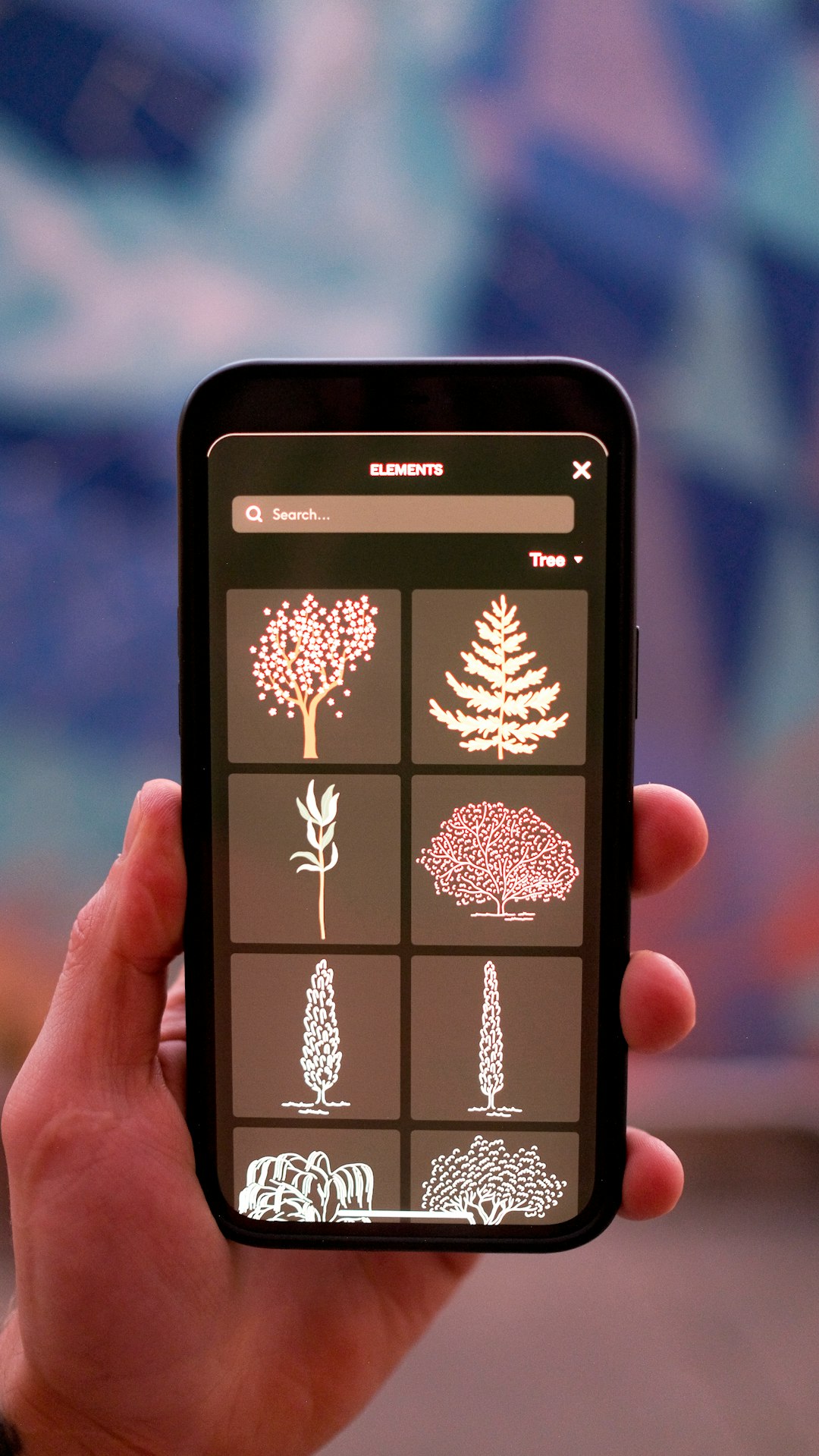
Mockuuups Studio does not attempt to replace complex 3D rendering software. Rather, it simplifies the production of realistic device previews. Its focused approach is precisely why it faces less overcrowding compared to broader, all-in-one platforms.
3. Artboard Studio
Artboard Studio operates in the browser but goes beyond static templates by offering scene creation capabilities. Users can manipulate elements within prebuilt environments, adjusting lighting, shadows, and camera angles.
Core Features:
- Advanced scene editing
- Layer-based workspace
- Animated mockup exports
- Extensive branding templates
One of the most compelling benefits of Artboard Studio is motion. Many mockup tools provide only static outputs, but this platform allows subtle animation. For example, you can create moving social media story previews or animated packaging rotations that add realism to digital campaigns.
Its environment customization provides flexibility typically reserved for heavier 3D modeling software. While there is a learning curve, it remains accessible for users familiar with layered editing interfaces.
For branding professionals presenting identity systems, Artboard Studio enables cohesive scenes that incorporate stationery, packaging, and digital screens in one unified environment. The result looks less like a template and more like a commercially photographed set.
4. Renderforest Mockup Generator
Although Renderforest is often associated with logo animations and video creation, its mockup generator remains underutilized. This relative obscurity translates into lower competition and more room for differentiation.
Main Benefits:
- Cloud-based accessibility
- Integrated branding tools
- Quick export for marketing use
- Templates for apparel, packaging, and digital products
Renderforest works particularly well for entrepreneurs launching new products. After creating a logo or brand assets within the platform, users can immediately place them onto merchandise mockups without transferring files across multiple systems.
This integrated workflow reduces friction. Instead of shifting between editing tools, designers can manage brand assets, create promotional videos, and produce mockups within the same ecosystem.
While Renderforest does not provide ultra-advanced texture manipulation, it offers sufficient realism for online campaigns, landing pages, and promotional ads. For startups seeking efficiency over perfectionism, this functionality is highly practical.
5. Smartmockups
Smartmockups remains relatively low-profile compared to the largest design SaaS platforms, yet it delivers reliable and consistent results. Now part of the Canva ecosystem, it maintains independence in its functionality and flexibility.
Highlights:
- Extensive product mockup variety
- Real-life background settings
- Direct integrations with popular design platforms
- Fast rendering speeds
What differentiates Smartmockups is its photographic realism. Many templates use authentic environmental backgrounds such as cafes, offices, or outdoor settings. This context increases perceived credibility when presenting digital products.
For example, placing an eBook cover onto a tablet displayed on a wooden desk adds warmth and believability. Similarly, apparel mockups placed into lifestyle scenes feel more market-ready than flat previews.
Smartmockups strikes a balance between customization and simplicity. Users can resize, position, and refine placements without navigating complex 3D controls. For marketing teams without advanced design expertise, this accessibility encourages adoption.
How to Choose the Right Tool
While each platform offers meaningful capabilities, selecting the appropriate one depends on your objectives. Consider the following criteria:
- Output Quality: Determine whether you require cinematic realism or clean presentation-level visuals.
- Workflow Integration: Ensure compatibility with your primary design software.
- Volume Needs: If producing large batches, prioritize automation features.
- Budget Constraints: Compare subscription tiers relative to usage frequency.
- Customization Level: Decide whether static templates are sufficient or scene-building flexibility is essential.
Freelancers may favor browser-based simplicity to minimize overhead costs. Agencies managing enterprise clients might prioritize high-resolution exports and integration features. eCommerce entrepreneurs often benefit most from speed and ease of product listing generation.
Final Considerations
The market for design tools grows increasingly competitive, yet mockup creation does not always require the most mainstream solution. In fact, lesser-known platforms frequently offer better value, reduced costs, and streamlined functionality.
Professional mockups influence purchasing decisions, investor perceptions, and customer trust. Presentation quality often determines whether a concept is taken seriously. By leveraging low-competition tools such as Mediamodifier, Mockuuups Studio, Artboard Studio, Renderforest, and Smartmockups, creators can achieve strong visual representation without expensive software or steep complexity.
Ultimately, effective mockups bridge the gap between concept and reality. The tools highlighted above provide practical ways to accomplish that goal while maintaining professionalism and operational efficiency. Selecting a focused, adaptable solution ensures that your designs are not only seen—but taken seriously.

Comments are closed.