
Mobile creators are on fire. Phones are now tiny studios. And editing apps? There are thousands. But sometimes you want something different. Something not everyone else is using. That’s where niche photo editing tools shine.
TLDR: Mobile creators are moving beyond basic filters. They want fresh, unique tools that stand out on social feeds. We looked at user favorites and picked six niche photo editing apps that offer creative control, cool effects, and fun workflows. If you’re bored of the usual apps, this list is for you.
Let’s jump into six user-picked gems that deserve a spot on your home screen.
1. Darkroom – Precision Editing Without the Fuss
Best for: Clean interface lovers and color perfectionists.
Darkroom feels calm. Simple. Powerful. It doesn’t overwhelm you with buttons. But don’t let the minimal look fool you. This app is packed with smart tools.
Users love it for one big reason: advanced color grading made easy.
Here’s what makes it special:
- Curves tool: Full RGB control right on mobile.
- Selective color adjustments: Edit one hue without touching the rest.
- Batch editing: Perfect for creators who post series.
- Non-destructive workflow: You can always go back.
If you shoot lifestyle or product content for Instagram, consistency matters. Darkroom helps you lock in a signature look. Fast.
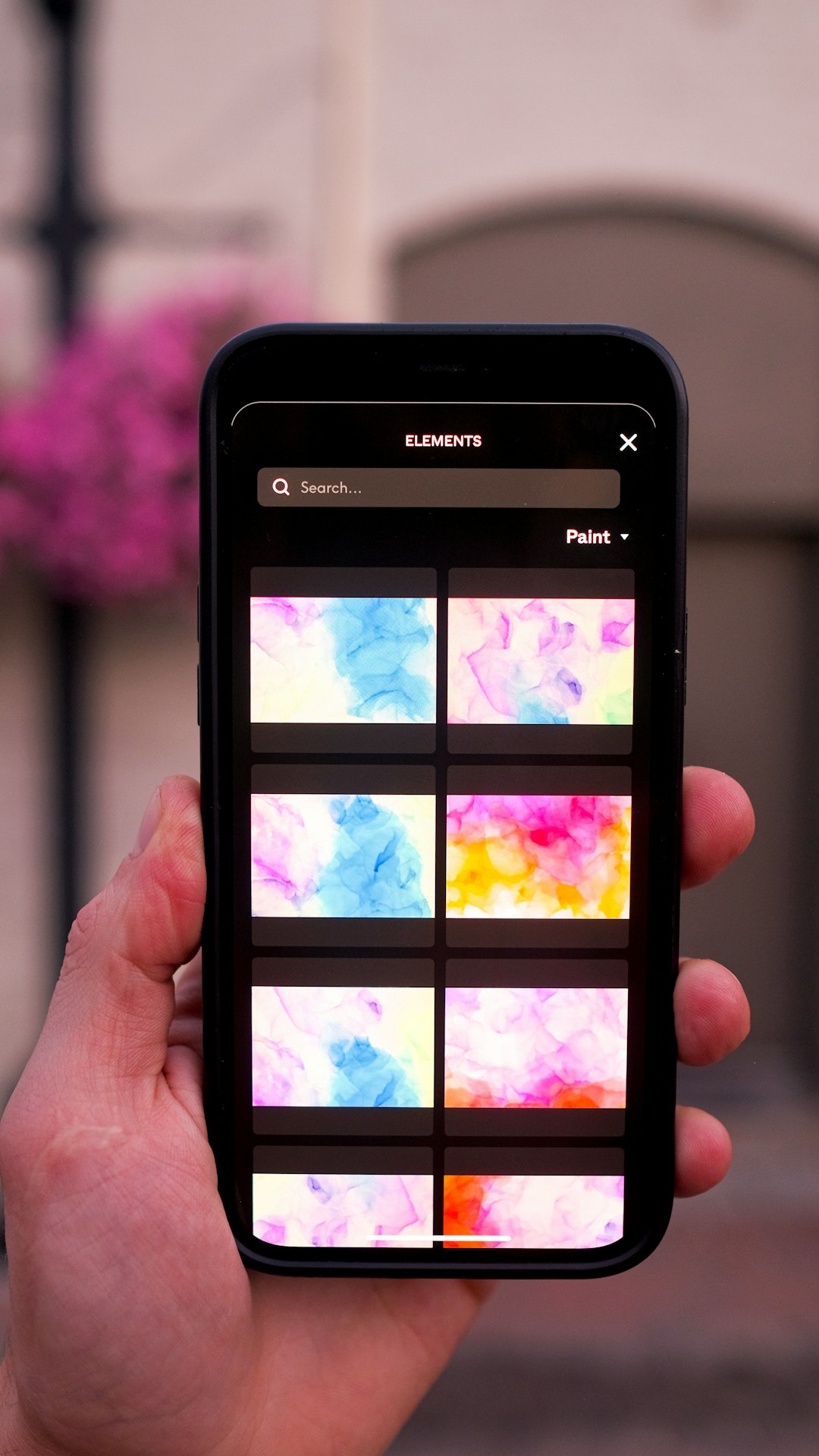
It supports RAW files too. That’s huge for mobile photographers who shoot with advanced camera apps.
Simple outside. Deep inside. That’s Darkroom.
2. LD – Light Leaks & Lens Distortions for Dreamy Vibes
Best for: Moody storytellers and cinematic creators.
LD stands for Lens Distortions. And yes, it does exactly that. It adds light leaks, fog, rain, sun flares, and atmospheric effects.
But here’s why users love it.
The effects look real. Not cheesy. Not fake. They blend naturally with your image.
Top features:
- Real light overlays: Shot with actual lenses.
- Weather effects: Add snow, rain, or mist.
- Layer system: Stack multiple effects.
- Blend modes: Fine-tune intensity and interaction.
Imagine you took a flat beach photo. With LD, you can add golden hour light. Or dramatic storm clouds. In seconds.
This app is a favorite among travel bloggers and moody portrait creators. It turns normal scenes into stories.
If you love atmosphere and drama, this tool hits the spot.
3. Afterlight – Texture Heaven for Creative Feeds
Best for: Vintage lovers and texture fans.
Afterlight has been around for years. But it keeps evolving. And users still swear by it.
Why? Because of its texture library.
You get:
- Dust overlays
- Film burns
- Grain controls
- Vintage light leaks
- Instant film frames
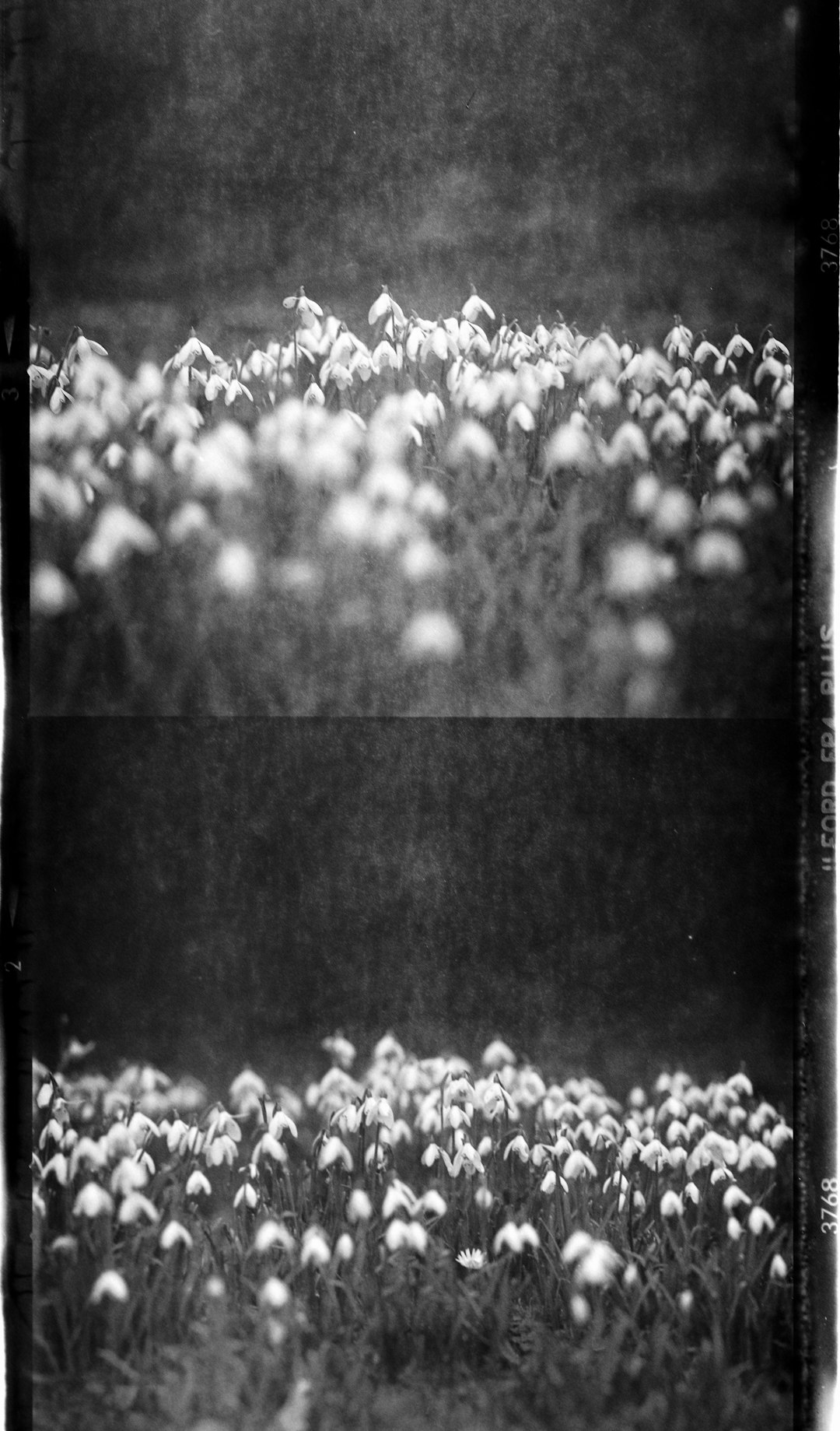
The grain tool alone is worth it. It feels organic. Not digital. Perfect for creators chasing that analog vibe.
Users also enjoy the customizable filters. You can tweak every filter fully. Exposure. Contrast. Color temperature. Saturation.
This means you don’t just slap on a preset. You craft something personal.
Afterlight is playful. Creative. A little nostalgic. If your brand leans retro or artsy, it fits right in.
4. Slow Shutter Cam – Motion Magic on Mobile
Best for: Light trails, waterfalls, and night creatives.
Most editing apps focus on color. Slow Shutter Cam is different. It focuses on motion blur.
This app simulates long exposure photography. On your phone.
You can create:
- Car light trails
- Smooth waterfalls
- Soft ocean waves
- Ghost-like motion effects
No DSLR needed.
The interface is simple. You choose a mode:
- Motion Blur
- Light Trail
- Low Light
Then adjust sliders. Hit capture. Watch the magic.
Urban creators love this app. Night city shots become neon rivers. Even busy streets turn into abstract art.
Pair it with a mini tripod. You’ll unlock next-level content.
It’s niche. But powerful.
5. SKRWT – Perfect Lines for Architecture Lovers
Best for: Travel and architecture photographers.
Ever taken a photo of a tall building and noticed it looks like it’s falling backward? That’s lens distortion.
SKRWT fixes that.
This app focuses on perspective correction.
Main tools include:
- Vertical correction
- Horizontal correction
- Lens distortion fixes
- GoPro profile corrections
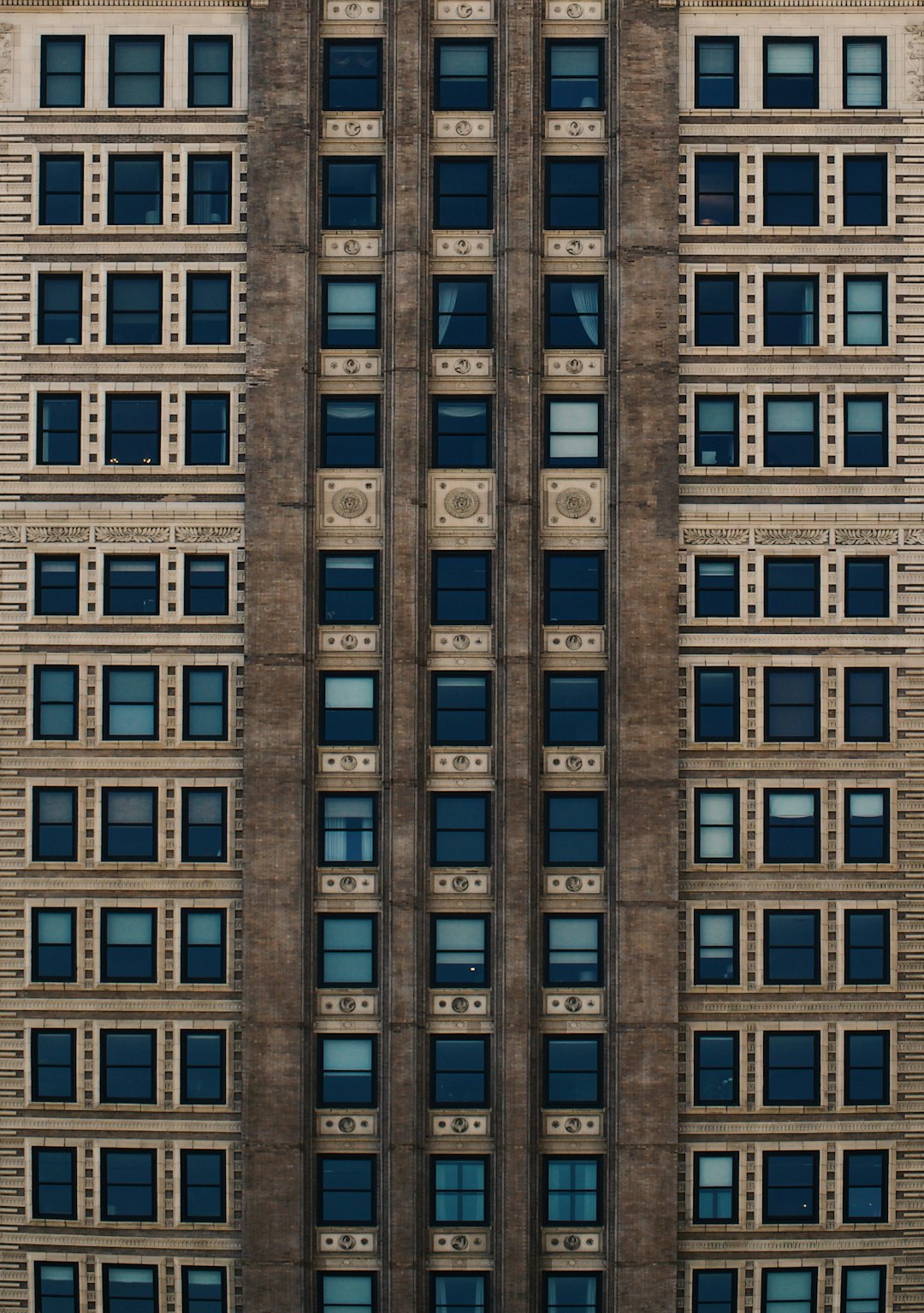
Users love its precision. You can adjust lines manually. Or let the grid guide you.
This matters for:
- City photographers
- Interior designers
- Real estate creators
- Travel Instagrammers
Clean lines feel professional. Polished. Premium.
Instead of warped buildings, you get symmetry and balance.
SKRWT does one thing very well. And sometimes, that’s all you need.
6. Mextures – Formula-Based Artistic Editing
Best for: Experimental artists and bold creators.
Mextures is not for basic edits. It’s for creators who love layers. And mood. And depth.
The magic word here is formulas.
You stack adjustments like this:
- Add grain
- Overlay texture
- Apply gradient
- Shift color tones
- Add vignette
Then save the stack as a “formula.”
Next time? Apply it in one tap.
This makes it perfect for building a strong visual identity.
Users say Mextures feels closer to desktop editing. But it’s still mobile-friendly.
Expect:
- Heavy textures
- Cinematic color washes
- Matte fades
- Film-inspired presets
This app is bold. Not subtle. If you want your feed to stand out instantly, Mextures helps you create a recognizable style.
Why Go Niche Instead of Mainstream?
Big editing apps are great. They do everything.
But niche tools do one thing extremely well.
That focus makes a difference.
Here’s why creators are exploring smaller apps:
- Unique looks: Less copy-paste content.
- Creative freedom: Tools that inspire.
- Specialized control: Better results in specific styles.
- Less clutter: Cleaner workflow.
When everyone uses the same filters, feeds start to look identical.
Niche tools break that pattern.
How to Choose the Right One for You
Start simple. Ask yourself:
- Do I shoot people?
- Do I shoot buildings?
- Do I love vintage vibes?
- Do I shoot at night?
- Do I want dramatic effects?
Then match your style to the app:
- Clean lifestyle: Darkroom
- Moody stories: LD
- Retro aesthetic: Afterlight
- Night motion: Slow Shutter Cam
- Architecture: SKRWT
- Bold art edits: Mextures
You don’t need all six. Two or three can already transform your content.
Final Thoughts
Mobile creativity is evolving fast. Your phone is more powerful than ever. But tools matter.
The right niche app can spark new ideas. Push your style further. Help you stand out in crowded feeds.
These six tools were picked by users for a reason. They solve specific problems. They offer unique features. And they make editing fun again.
So experiment. Play. Layer effects. Fix lines. Add light. Blur motion.
Your best edit might be one app away.
Now open your camera roll and start creating.

Comments are closed, but trackbacks and pingbacks are open.