
We all love our phones. They wake us up. They show us memes. They help us work. But sometimes, they also steal our time. Hours pass. Eyes get tired. Sleep suffers. That is where app usage tracking apps come in. These smart tools help you understand your screen habits and take back control.
TLDR: App usage tracking apps show how much time you spend on your phone and which apps eat most of it. They help you set limits, reduce distractions, and build better habits. Many apps offer reports, reminders, and even rewards for staying focused. If you want more time and less scrolling, these tools can help.
What Are App Usage Tracking Apps?
App usage tracking apps are tools that monitor how you use your device. They track:
- How long you use your phone
- Which apps you open most
- How many times you unlock your device
- When you use your phone the most
Think of them as a fitness tracker, but for your digital life. Instead of counting steps, they count minutes and taps.
Many smartphones already have basic tracking built in. But dedicated apps often give more details. And more control.
Why Screen Time Tracking Matters
You cannot improve what you do not measure. The same is true for screen time.
Tracking your usage helps you:
- Spot bad habits. Maybe social media eats three hours a day.
- Find patterns. Late-night scrolling could ruin sleep.
- Set limits. You can cap certain apps.
- Boost productivity. Less distraction means more done.
- Protect mental health. Too much screen time can increase stress.

Many people feel shocked the first time they see their daily screen total. Four hours. Six hours. Sometimes more. Awareness is the first step toward change.
Key Features to Look For
Not all app usage trackers are the same. Some are simple. Others are packed with features. Here are the most useful ones:
1. Real-Time Usage Reports
See how much time you spend per app. Daily and weekly reports are common. Some even show trends over months.
2. App Limits
You can set a daily time cap. For example, 30 minutes on Instagram. When time is up, the app locks or sends a warning.
3. Focus Mode
This temporarily blocks distracting apps. Great for work sessions or study time.
4. Unlock Tracking
Shows how many times you check your phone. You may be surprised. Many people unlock their phone over 80 times a day.
5. Parental Controls
Parents can monitor children’s screen time. They can set limits or block certain apps.
6. Goal Setting
Some apps gamify the experience. You plant a virtual tree. If you stay focused, it grows. If you leave the app, it dies. Simple. Fun. Effective.
Popular App Usage Tracking Apps
Let’s explore some popular options. Each has strengths and weaknesses.
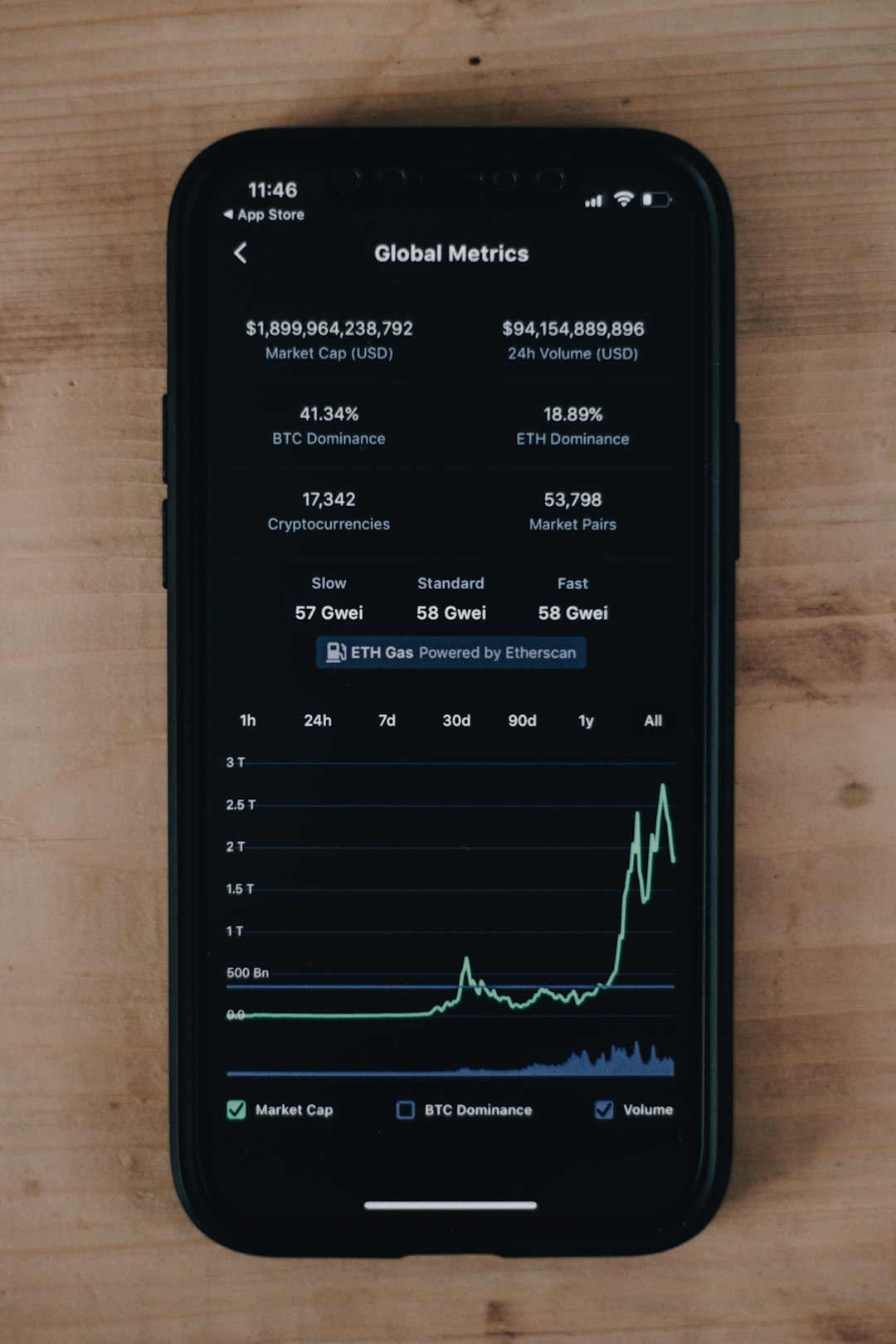
1. Screen Time (Built-in for iOS)
- Comes with iPhones and iPads
- Detailed reports
- App limits and downtime settings
- Family sharing support
Best for: Apple users who want a free and easy solution.
2. Digital Wellbeing (Built-in for Android)
- Pre-installed on many Android devices
- App timers
- Bedtime mode
- Focus mode
Best for: Android users who want basic control without extra downloads.
3. Forest
- Focus-based app
- Gamified productivity
- Plant virtual trees for focus time
- Minimal usage reports
Best for: Students and workers who want a fun focus tool.
4. RescueTime
- Detailed activity tracking
- Works across devices
- Productivity scoring
- Advanced reports
Best for: Professionals who want deep insights.
5. Freedom
- Blocks distracting apps and websites
- Custom blocklists
- Scheduled sessions
- Cross-device syncing
Best for: People who need strong distraction blocking.
Comparison Chart
| App | Platform | App Limits | Focus Mode | Detailed Reports | Best For |
|---|---|---|---|---|---|
| Screen Time | iOS | Yes | Yes | Moderate | Apple users |
| Digital Wellbeing | Android | Yes | Yes | Basic | Android users |
| Forest | iOS, Android | Limited | Yes | Basic | Students |
| RescueTime | Multi-platform | Yes | Yes | Advanced | Professionals |
| Freedom | Multi-platform | Blocks instead | Yes | Moderate | Deep focus |
How These Apps Change Habits
Tracking alone is powerful. But combining tracking with action is even better.
Here is what often happens:
- You install the app.
- You discover shocking numbers.
- You set limits.
- You get reminders.
- You slowly reduce screen time.
It is not magic. It is awareness plus small changes.
Some users report cutting screen time by one to two hours daily. That adds up. Over a year, that could mean hundreds of extra hours for hobbies, fitness, or family.
Tips for Using App Tracking Tools Effectively
Simply installing the app is not enough. You need a plan.
Set Clear Goals
Decide what you want. Less social media? No phone after 10 PM? Be specific.
Start Small
Cutting four hours to one hour overnight is hard. Reduce by 30 minutes first.
Use Focus Blocks
Schedule time blocks for deep work. Even 25 minutes helps.
Turn Off Notifications
Many distractions start with a buzz. Disable non-essential alerts.
Review Weekly Reports
Check trends every week. Celebrate progress.

Screen Time and Mental Health
Too much screen exposure can impact:
- Sleep quality
- Attention span
- Anxiety levels
- Self-esteem (especially from social media)
Tracking apps bring balance. They do not say phones are bad. They simply help you use them with intention.
Remember: Technology should serve you. Not control you.
For Parents: Monitoring Kids’ Screen Time
Children grow up with screens everywhere. Monitoring is important. But it should be balanced and respectful.
Good tracking apps allow parents to:
- Set daily device limits
- Block unsafe apps
- Schedule homework-only hours
- Monitor usage reports
But conversation matters most. Talk to kids about why limits exist. Make it a team effort. Not punishment.
Common Myths About Screen Tracking
“It’s Only for Addicted People.”
Not true. Anyone can benefit from awareness.
“It Feels Restrictive.”
Good apps give gentle reminders. You stay in control.
“It Takes Too Much Effort.”
Most apps run automatically. Setup takes only minutes.
The Future of Digital Wellbeing
Screen tracking tools are getting smarter. New trends include:
- AI insights that suggest habits to change
- Mood tracking linked to screen time
- Wearable syncing to measure stress and focus
- Workplace integration for healthy productivity
In the future, your phone may gently say, “You seem tired. Time for a break?” And it might be right.
Final Thoughts
Your phone is powerful. It connects you to the world. But your time is even more valuable.
App usage tracking apps shine a light on your habits. They help you pause. Reflect. Adjust.
You do not need to quit social media. Or throw your phone away. Just use it with purpose.
Track your time. Set small limits. Build better digital habits.
Because at the end of the day, your screen should not live your life. You should.

Comments are closed.