

In an increasingly connected world, distractions are no longer occasional interruptions—they are constant companions. Notifications buzz, emails pile up, social media feeds refresh endlessly, and multitasking feels like a requirement rather than a choice. While technology often contributes to this overload, it also offers a powerful solution: digital wellbeing tools designed to reduce distractions and improve focus. By leveraging the right apps and strategies, individuals can reclaim their attention, enhance productivity, and foster healthier relationships with their devices.
TLDR: Digital wellbeing tools help reduce distractions by limiting notifications, blocking time-wasting apps, and tracking screen usage. From focus timers to website blockers, these tools create structured environments for deep work. The most effective solutions combine habit tracking, automation, and mindful usage. By choosing the right tools and using them intentionally, you can significantly improve productivity and mental clarity.
Let’s explore how these tools work, which ones stand out, and how to choose the best solutions for your needs.
Why Digital Distractions Are So Powerful
Digital distractions are engineered to capture attention. Social platforms use variable reward systems, email creates urgency loops, and news feeds are designed to keep users scrolling. These mechanisms tap directly into psychological triggers such as curiosity, fear of missing out, and instant gratification.
The cost of constant distraction includes:
- Reduced productivity due to task switching
- Mental fatigue from continuous cognitive load
- Lower quality work caused by fragmented focus
- Increased stress levels from information overload
Digital wellbeing tools counteract these effects by introducing structure, awareness, and intentional friction into our tech habits.
Categories of Digital Wellbeing Tools
These tools generally fall into several key categories:
- Screen Time Trackers – Monitor device usage and app activity.
- App and Website Blockers – Restrict access to distracting platforms.
- Focus Timers – Encourage structured work sessions (such as Pomodoro).
- Notification Managers – Filter and prioritize alerts.
- Mindfulness and Habit Apps – Promote intentional technology use.
Many modern solutions combine multiple features into one ecosystem, giving users a comprehensive toolkit.
Top Digital Wellbeing Tools and Their Features
Here are some popular and effective tools that help reduce distractions and improve focus:
1. Freedom
Freedom blocks distracting websites and apps across multiple devices. You can schedule focus sessions in advance, block the entire internet if needed, and even synchronize sessions across your phone and computer.
- Cross-platform blocking
- Scheduled recurring sessions
- Custom blocklists
2. Forest
Forest gamifies focus by allowing users to grow virtual trees during distraction-free sessions. If you exit the app prematurely, your tree “dies,” creating a small but powerful accountability system.
- Gamified focus sessions
- Visual productivity tracking
- Motivating reward system
3. RescueTime
RescueTime automatically tracks how you spend your time on digital devices and provides detailed reports. It helps identify patterns of distraction and inefficiencies.
- Automatic activity tracking
- Productivity scoring
- Custom performance reports
4. Cold Turkey
This robust blocking software allows deep restrictions, including timed blocks and frozen schedules that cannot be reversed mid-session.
- Locked sessions
- Website and app blocking
- Advanced scheduling
5. Focus@Will
Focus@Will offers scientifically optimized music designed to enhance concentration. It is ideal for those who struggle with silence but need structured background audio.
- Neuroscience-based music channels
- Focus timers
- Energy level personalization
Comparison Chart of Popular Tools
| Tool | Main Feature | Best For | Platform Availability | Unique Strength |
|---|---|---|---|---|
| Freedom | App and website blocking | Deep work sessions | Windows, Mac, iOS, Android | Cross-device sync |
| Forest | Gamified focus timer | Students and goal setters | iOS, Android | Motivational visuals |
| RescueTime | Automatic time tracking | Data-driven users | Windows, Mac, Android | Detailed productivity analytics |
| Cold Turkey | Strict blocking controls | Extreme distraction prevention | Windows, Mac | Locked sessions |
| Focus@Will | Concentration music | Audio-based focus seekers | Web, iOS, Android | Science-based playlists |
Screen Time Awareness: The First Step
Before reducing distractions, it’s important to understand them. Tools like built-in device screen time reports provide insights into daily usage patterns.
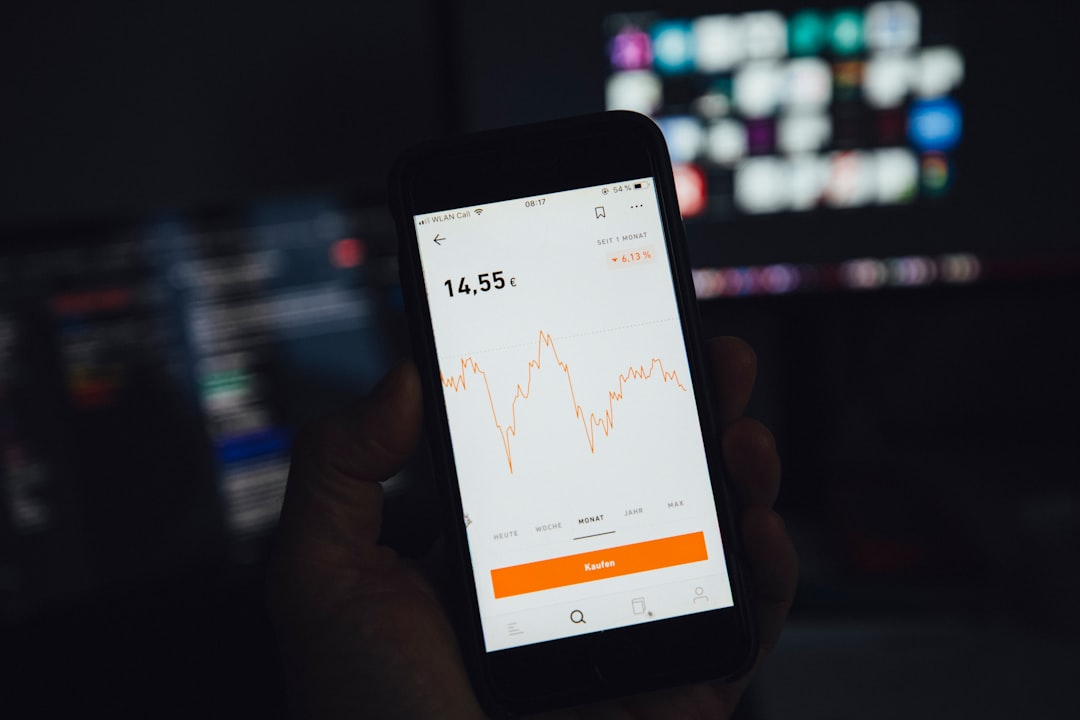
When reviewing your data, look for:
- High-frequency app usage
- Peak distraction times
- Unconscious scrolling habits
This awareness alone often leads to behavior change. Users are frequently surprised to discover how much time they spend on micro-distractions.
The Power of Structured Focus Sessions
One of the most effective methods for improving concentration is time boxing. The Pomodoro Technique, for example, encourages 25-minute focus intervals followed by short breaks.
Focus timers work because they:
- Create urgency with clear deadlines
- Reduce overwhelm by narrowing attention
- Provide restorative breaks
- Make progress measurable
Apps enhance this method through reminders, reports, and lockout features that discourage switching tasks mid-session.
Notification Management: Reducing Cognitive Noise
Notifications fragment attention even if you do not immediately respond. The anticipation alone consumes mental energy.
Effective notification management includes:
- Batching notifications into scheduled delivery times
- Disabling non-essential alerts
- Using “Do Not Disturb” modes during deep work
- Allowing priority contacts only
Modern operating systems provide customizable notification summaries, minimizing interruptions while keeping essential communication intact.
Website and App Blocking for Deep Work
Blocking tools introduce deliberate friction. Even a small hurdle—like needing to adjust a setting—can prevent unconscious browsing.
Effective strategies include:
- Blocking social media during work hours
- Creating separate profiles for work and leisure
- Scheduling automatic nightly shutdown periods
- Using locked modes that cannot be easily overridden
The key is consistency. Sporadic blocking is less effective than pre-planned schedules integrated into your daily routine.
Gamification and Behavioral Psychology
Some tools use behavioral science to build stronger habits. Gamification introduces rewards, streak tracking, and progress visualization.
This approach works through:
- Positive reinforcement
- Habit stacking
- Consistency tracking
- Visual progress indicators
For example, maintaining a focus streak for 30 consecutive days can build both discipline and momentum.
Choosing the Right Tool for You
Not every tool fits every user. When choosing a digital wellbeing solution, consider:
- Your primary distraction source: Social media, email, gaming?
- Your work style: Structured intervals or long deep work sessions?
- Your accountability needs: Gentle reminders or strict lockouts?
- Your data preferences: Detailed analytics or simple timers?
Some individuals benefit from strict blocking tools, while others prefer awareness and light nudges. The goal is not technological restriction for its own sake—it is intentional attention management.
Building a Sustainable Digital Wellbeing Routine
Tools alone cannot solve distraction problems without behavioral commitment. Sustainable digital wellbeing includes:
- Setting clear focus goals each day
- Establishing defined work blocks
- Creating tech-free zones at home
- Scheduling intentional leisure scrolling
- Regularly reviewing screen time reports
Combining digital tools with environmental adjustments—like a clutter-free workspace—maximizes their effectiveness.
The Long-Term Benefits of Digital Focus
Reducing digital distractions delivers compounding returns over time. Benefits include:
- Improved cognitive endurance
- Higher quality output
- Greater creativity
- Lower anxiety
- Stronger work-life balance
Perhaps most importantly, intentional technology use restores a sense of control. Instead of reacting to constant stimuli, you choose when and how to engage.
Final Thoughts
Digital wellbeing is not about rejecting technology—it is about redesigning the way we interact with it. With the help of focus timers, blocking software, screen time analytics, and structured notification management, distractions can be significantly reduced. The right combination of tools creates a digital environment that supports deep work rather than undermines it.
In a world competing aggressively for attention, your focus is a valuable resource. Protecting it is no longer optional—it is essential. By implementing digital wellbeing tools thoughtfully and consistently, you can transform your devices from sources of distraction into powerful allies for productivity and personal growth.

Comments are closed, but trackbacks and pingbacks are open.