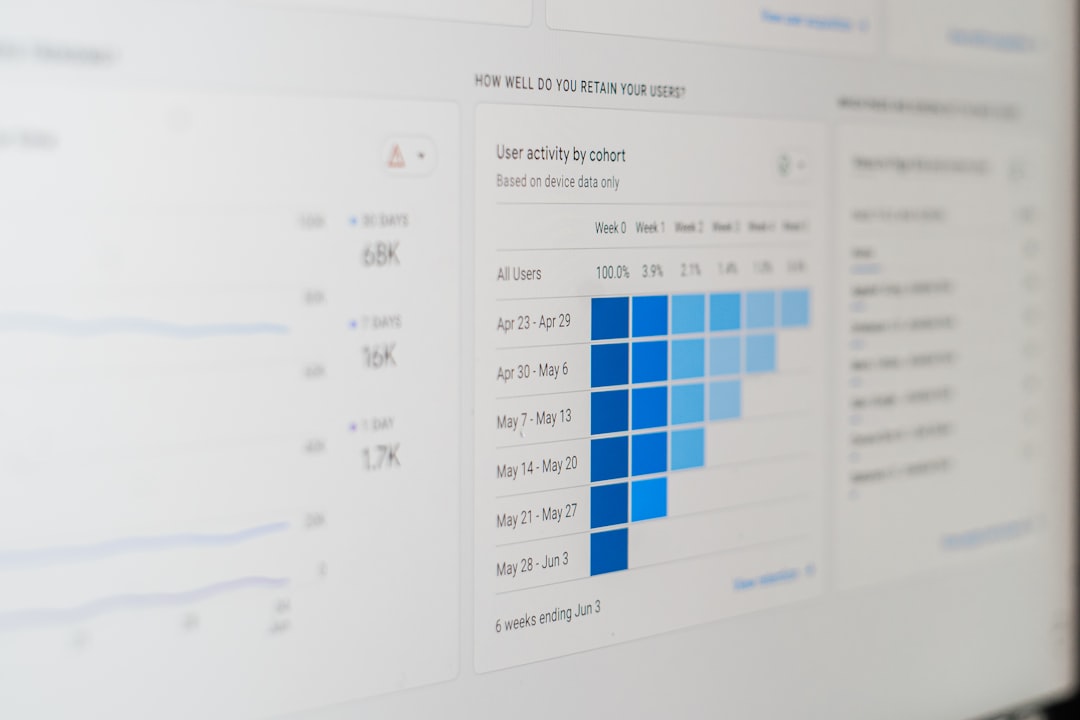

Mobile apps live in a fast world. Users expect speed. They expect stability. And they expect everything to just work. If your app freezes, crashes, or loads slowly, people leave. It’s that simple. That’s why mobile performance monitoring tools matter so much. They help you see problems before your users do.
TLDR: Mobile performance monitoring tools help you track app speed, crashes, and user behavior in real time. They show you where your app is slow and why it fails. With the right tool, you can fix issues quickly and keep users happy. Healthy apps grow faster and keep more customers.
Let’s break it down in a fun and simple way.
What Is Mobile Performance Monitoring?
Mobile performance monitoring is like a fitness tracker for your app. It checks your app’s pulse. It tracks speed. It watches for crashes. And it tells you when something feels wrong.
Instead of guessing why users complain, you see real data. You see:
- App launch time
- Screen load speed
- Crash reports
- API response times
- Device and OS details
This gives you clear answers. Not assumptions.
Why App Health Is So Important
Think about your own behavior. If an app takes more than a few seconds to load, what do you do? You close it. Maybe you uninstall it.
Users today have zero patience. Studies show that even a one-second delay can reduce engagement. That is huge.
App health affects:
- User retention
- App store ratings
- Revenue
- Brand reputation
A healthy app builds trust. A buggy app destroys it.
Key Metrics You Should Track
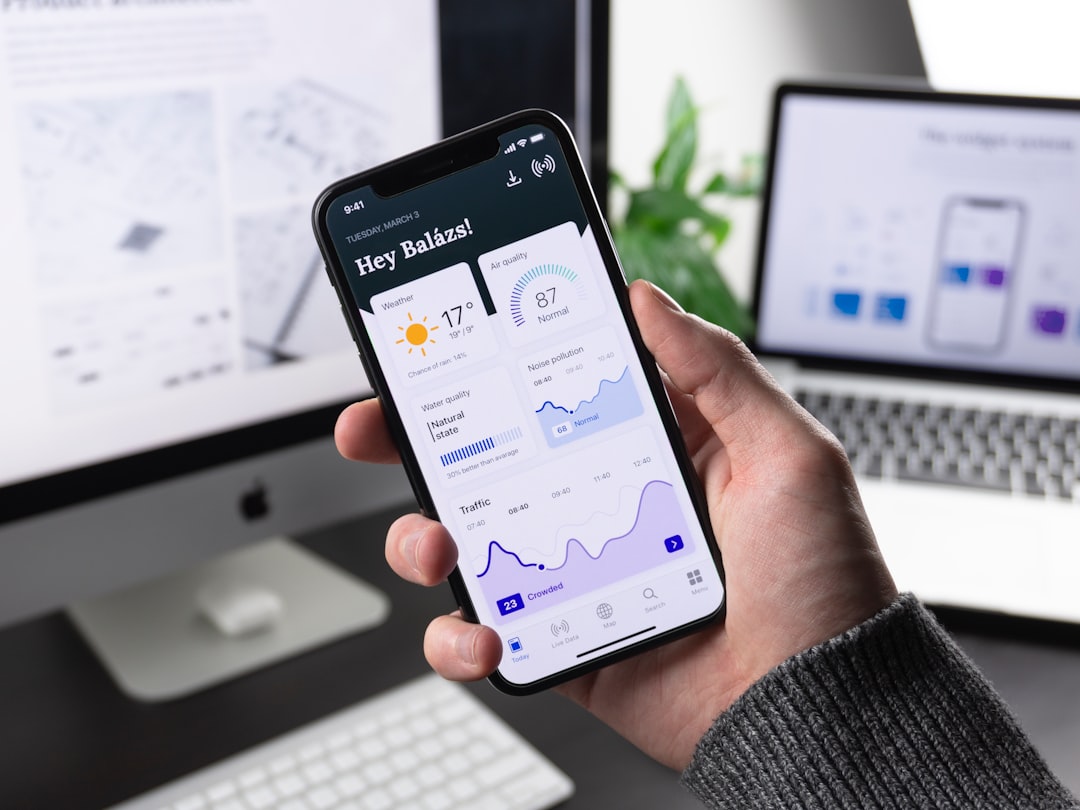
Monitoring tools give you lots of data. But not all data matters equally. Focus on the metrics that truly impact user experience.
1. App Launch Time
This measures how long your app takes to open. First impressions matter. If launch time is slow, users notice immediately.
2. Crash Rate
This shows how often your app crashes. Even a small crash rate can affect thousands of users.
A good rule? Keep crash-free users above 99%.
3. ANR (Application Not Responding)
This happens when your app freezes. On Android, this is a major red flag. Users hate frozen screens.
4. Network Requests
Apps rely heavily on APIs. If your backend is slow, your app feels slow. Monitoring API response times helps you catch server-side issues.
5. Device and OS Breakdown
Not all users run the latest devices. Some use older phones and older operating systems. Performance can vary a lot. Monitoring helps you spot patterns.
How Mobile Performance Monitoring Tools Work
These tools use SDKs. You add a small piece of code to your app. That code quietly collects performance data.
It tracks:
- Errors
- Load times
- User sessions
- Network calls
The data is then sent to a dashboard. This dashboard shows graphs, alerts, and reports.
Some tools even send real-time alerts. If crashes spike suddenly, your team gets notified instantly.
Popular Mobile Performance Monitoring Tools
There are many tools available. Each has its strengths. Here are some well-known categories and examples.
1. Firebase Performance Monitoring
Great for startups and small teams. Easy to integrate. It provides:
- App start tracing
- Network monitoring
- Crash reporting
- Real-time analytics
It works well for both Android and iOS.
2. New Relic Mobile
This tool goes deeper. It connects mobile performance with backend services. Perfect for complex systems.
You can see:
- End-to-end transaction tracing
- Server impact on mobile performance
- Custom dashboards
3. Datadog Mobile Monitoring
Datadog provides powerful visualization tools. It combines infrastructure monitoring with mobile data.
It’s useful for large teams managing multiple systems.
4. Instabug
This tool focuses on bug reporting. It allows users to report issues directly from the app.
It also captures reproduction steps automatically. Very helpful for debugging.
Benefits of Using Monitoring Tools
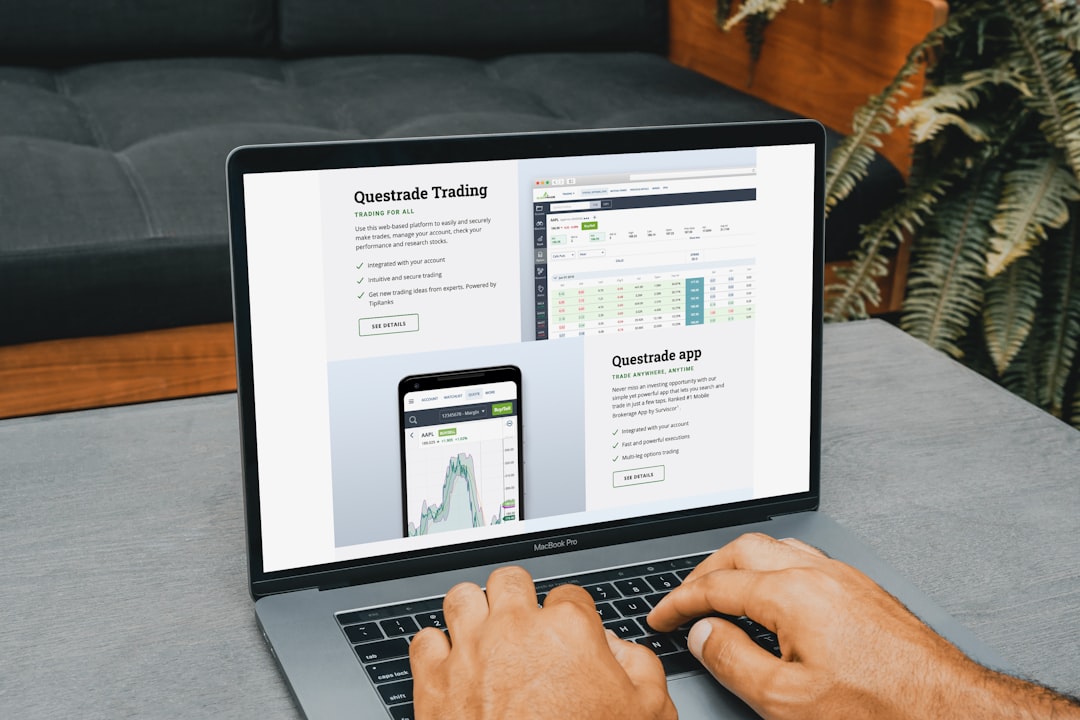
Why should you invest time in setting up monitoring? Because the rewards are massive.
1. Faster Debugging
Instead of guessing, you see exact error logs. You know which device. Which OS. Which screen.
2. Better User Experience
You fix performance bottlenecks quickly. Apps feel smoother. Users stay longer.
3. Data-Driven Decisions
You stop relying on opinions. You rely on numbers.
4. Proactive Problem Solving
With alerts, you fix problems before users flood your reviews with complaints.
Common Performance Issues You’ll Discover
Monitoring tools often reveal hidden surprises.
- Memory leaks
- Slow database queries
- Heavy images causing slow rendering
- Unoptimized API responses
- Battery drain issues
Sometimes, a single uncompressed image can slow down an entire screen. Monitoring helps you spot these details.
Real-Time Monitoring vs. Synthetic Testing
There are two main tracking styles.
Real User Monitoring (RUM)
This collects data from actual users. Real devices. Real networks. Real behavior.
It shows what people truly experience.
Synthetic Monitoring
This simulates user actions in a controlled environment. It runs test scripts automatically.
Both methods are useful. Together, they give a full picture.
Best Practices for Tracking App Health
Using a tool is not enough. You need smart habits.
1. Set Performance Benchmarks
Define what “good performance” means. For example:
- App launch under 2 seconds
- API response under 500 ms
- Crash rate below 1%
Clear targets help your team stay focused.
2. Monitor After Every Release
New updates can introduce new bugs. Always track metrics after publishing changes.
3. Segment Your Users
Look at performance by device type. By country. By OS version. Patterns will appear.
4. Prioritize Based on Impact
Fix the issues affecting the most users first. Not just the easiest ones.
The Role of Automation and AI
Modern monitoring tools use automation and smart detection. They can:
- Detect unusual spikes
- Identify anomaly patterns
- Suggest possible root causes
Some tools even group similar crashes together. This saves hours of manual work.
Automation makes performance monitoring scalable. Especially for large apps with millions of users.
How Monitoring Impacts Business Growth
Performance is not just a technical concern. It’s a business strategy.
Better performance leads to:
- Higher app store ratings
- Better reviews
- Increased user trust
- More in-app purchases
If your app runs smoothly, users stay longer. Longer sessions often mean higher revenue.
In short, performance equals profit.
Choosing the Right Tool for Your App
Not every tool fits every team. Consider:
- Your app size
- Your budget
- Your technical expertise
- Your infrastructure complexity
For small apps, simple tools work fine. For enterprise-level apps, you may need deep monitoring with backend integration.
Always test before fully committing. Most tools offer free trials.
Final Thoughts
Mobile performance monitoring tools are your app’s safety net. They protect your user experience. They protect your brand. And they protect your revenue.
Without monitoring, you are flying blind. With monitoring, you have clear visibility.
Apps compete fiercely today. Small performance gains can make a big difference. Speed up your screens. Reduce crashes. Track real user data.
Healthy apps win. Simple as that.
If you care about growth, user loyalty, and long-term success, performance monitoring is not optional. It is essential.

Comments are closed.